












Related searches
0 results
Not found
No content related to ""
theme-light theme-light-text
theme-dark-text theme-light
Gangstar Mirage City

Gangstar Mirage City

broadcast broadcast
Join the BUFFHUB Discord community and instantly receive a $10 discount coupon
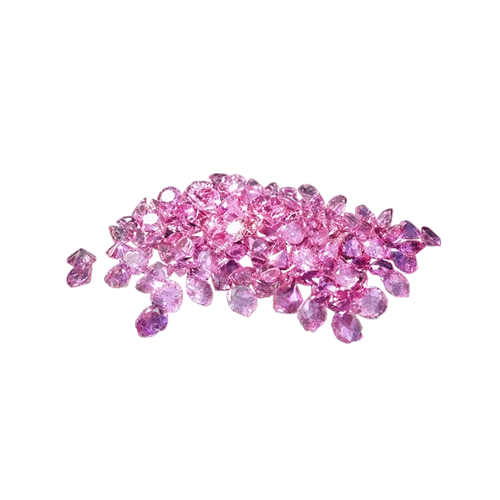
60 Pink Diamonds
60 Pink Diamonds
$ 0.99
$ 0.99
300 + 20 Pink Diamonds
$ 4.99
$ 4.99
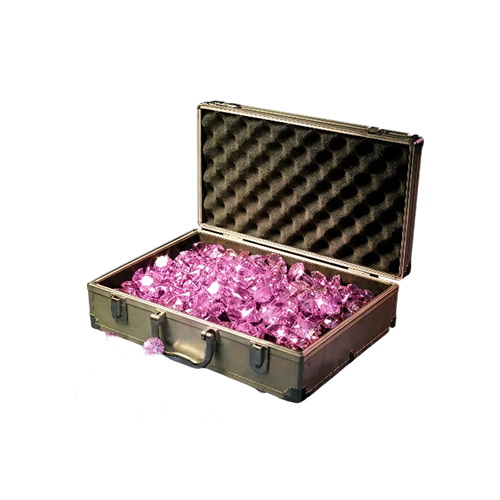
680 + 60 Pink Diamonds
$ 9.99
$ 9.99
1280 + 220 Pink Diamonds
$ 19.99
$ 19.99
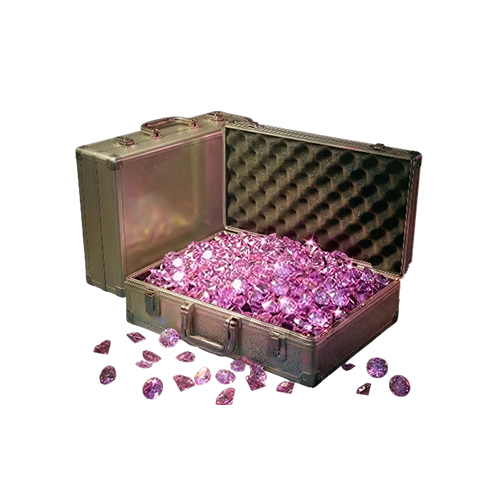
3280 + 580 Pink Diamonds
$ 49.99
$ 49.99
6480 + 1280 Pink Diamonds
$ 99.99
$ 99.99

Quantity

Price
$0.00
HOW TO BUY?
Total
- +

0

Overall Rating
0.0
0 reviews
Overall Rating
0.0
Based on 0 reviews
  • 5 Star
    0%
  • 4 Star
    0%
  • 3 Star
    0%
  • 2 Star
    0%
  • 1 Star
    0%
Product Introduction
Recharge guide
User Reviews(0)

BUFFHUB: Gangstar Mirage City Top Up – Buy Pink Diamonds

UID Recharge · Login Recharge · Mobile

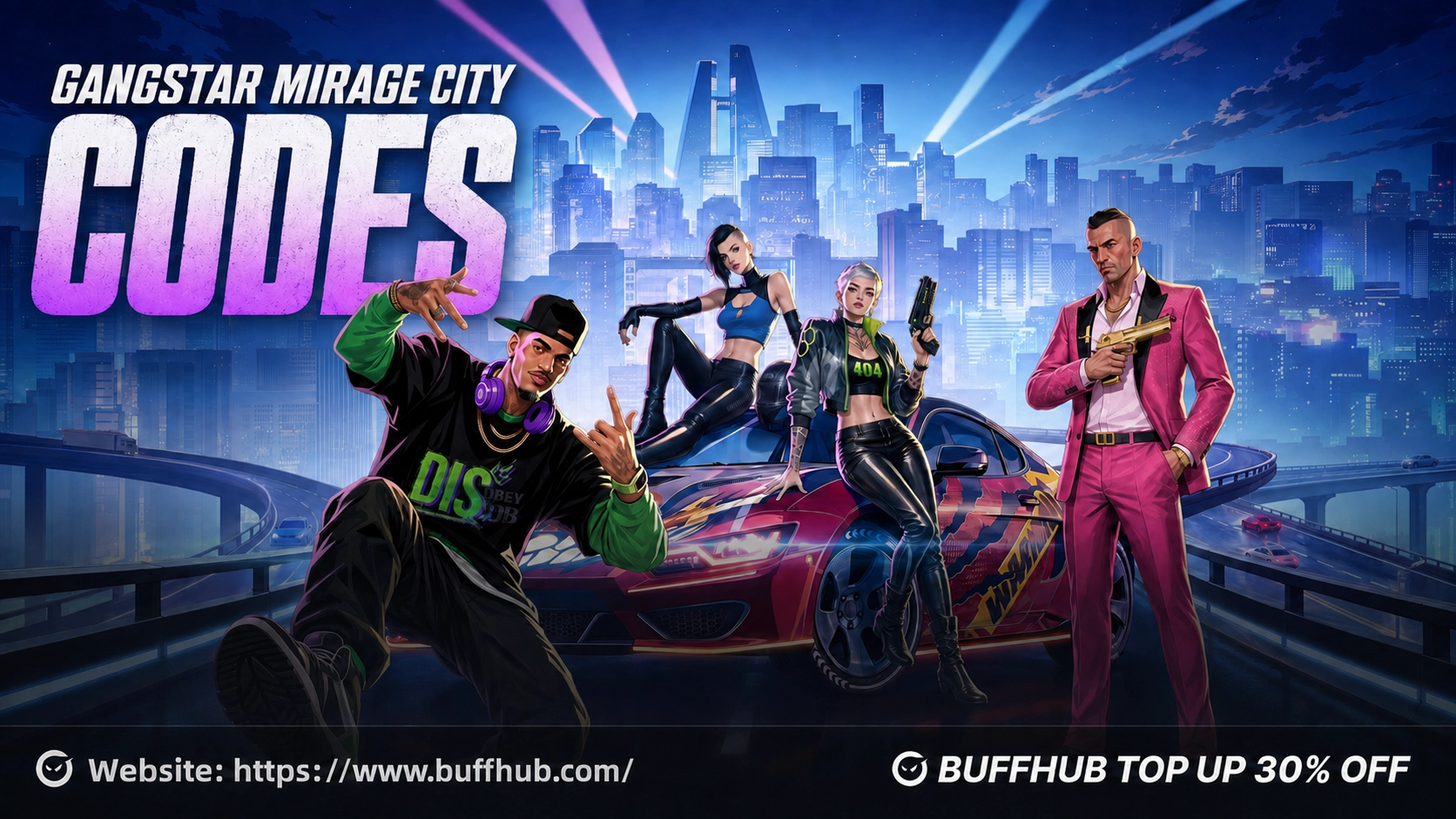
Gangstar Mirage City is a free-to-play multiplayer open-world action RPG built around open-world exploration, co-op heists, street battles, racing, vehicle customization, weapon customization, and building your own criminal empire. Pink Diamonds are the game's premium currency and can be used for weapons, vehicles, upgrades, outfits, premium packs, and other eligible in-game content. BUFFHUB provides Gangstar Mirage City Pink Diamond top-up options through supported UID recharge and login recharge methods.

Why Top Up at buffhub.com?

Buffhub offers a convenient way to recharge Gangstar Mirage City Pink Diamonds for supported accounts. We are a professional game top-up and digital service platform covering popular games and social apps, including BLEACH: Soul Resonance, Eggy Party, King of Avalon, and HeeSay. Users can choose from available Gangstar Mirage City recharge options, complete payment using supported methods, and receive Pink Diamonds through a straightforward recharge process.

✓ Competitive Gangstar Mirage City Recharge Prices

BUFFHUB provides Gangstar Mirage City Pink Diamond recharge options at competitive prices. You can compare the available recharge amounts and select the package that best matches your budget and intended use.

✓ Promotions and Discount Opportunities

Selected Gangstar Mirage City recharge options may be available with promotional pricing or discount opportunities. Review the current Pink Diamond amount and displayed price before completing your purchase.

✓ UID and Login Recharge Options

Gangstar Mirage City recharge can be completed through supported UID or login recharge methods. For UID recharge, enter the recipient's Game UID accurately. For login recharge, submit the required account information carefully so the purchase can be completed for the intended game account.

✓ Fast Delivery

Gangstar Mirage City Pink Diamonds can generally be credited shortly after the required account information and payment are submitted correctly. Make sure the UID or login information is accurate before completing the order to help avoid unnecessary recharge delays.

✓ Multiple Payment Methods

Different payment methods can be used for Gangstar Mirage City recharge. Available payment methods may depend on the options displayed during checkout.

✓ Customer Support

If you have questions about your Gangstar Mirage City UID, login recharge, payment, or Pink Diamond delivery, customer support can assist with recharge-related issues.

What Is Gangstar Mirage City?

Gangstar Mirage City is a free-to-play multiplayer open-world action RPG set in a crime-filled metropolis where players can explore different districts, complete missions, take part in street conflicts, and expand their influence across the city.

Multiplayer gameplay is a major part of the experience. Players can team up with friends for co-op heists, take part in PvP street battles, compete in high-speed races, and work with other players while exploring the city.

Gangstar Mirage City also features extensive vehicle and weapon customization. Players can build their own garage, customize vehicles, expand their weapon collection, complete activities, and gradually build their criminal empire.

What Are Pink Diamonds in Gangstar Mirage City?

Pink Diamonds are the premium currency in Gangstar Mirage City. They can be used on eligible premium items, upgrades, customization options, and other in-game content.

  • Purchase Weapons: Pink Diamonds can be used for eligible weapons and related premium content.
  • Purchase Vehicles: Players can use Pink Diamonds for eligible vehicles and other garage-related content.
  • Upgrade Your Equipment: Pink Diamonds can be used for supported upgrades that help improve your equipment and progression.
  • Unlock Outfits and Customization: Pink Diamonds can be spent on eligible outfits, cosmetic customization, and other premium appearance options.
  • Access Premium Packs: Pink Diamonds may also be used for supported premium packs, special offers, and other eligible in-game content.

The exact weapons, vehicles, upgrades, outfits, packs, and other premium content available can depend on the current options displayed inside Gangstar Mirage City. Check the relevant in-game details before spending Pink Diamonds.

How to Get Free Pink Diamonds in Gangstar Mirage City

Gangstar Mirage City players may be able to obtain Pink Diamonds or other rewards through normal gameplay activities and limited-time promotions.

  • Complete Missions: Complete main missions, progression quests, and other available objectives.
  • Finish Daily Activities: Daily missions, achievements, and activity challenges may provide additional rewards.

  • Join Limited-Time Events: Participate in available events, campaigns, and special challenges.

  • Claim Login Rewards: Check available daily login, beginner, and check-in rewards.

  • Redeem Gift Codes: Check the Gangstar Mirage City codes page for currently available redemption information.
  • Participate in Multiplayer Activities: PvP battles, co-op operations, races, and other eligible activities may provide additional rewards.

Check the in-game Events Center, missions, mailbox, and news regularly for currently available rewards and activities.

More down down
Fold Up up up

Gangstar Mirage City Top-Up Information and Important Notes

Item Details
Applicable Platform Gangstar Mirage City Mobile (iOS / Android)
Supported Regions Eastern Europe (EEU), Latin America (LATAM), Middle East & North Africa (MENA), South Asia (SA), and Southeast Asia (SEA)
Recharge Methods UID Recharge / Login Recharge
Required Information for UID Recharge Gangstar Mirage City Game UID
Required Information for Login Recharge Account login information requested during the recharge process
Pink Diamond Packages 60 / 300 + 20 / 680 + 60 / 1,280 + 220 / 3,280 + 580 / 6,480 + 1,280 Pink Diamonds
Delivery Pink Diamonds are credited to the selected game account after the recharge has been successfully processed
Where to Find the UID Open Gangstar Mirage City and check your Profile, Account, or Settings page for the UID, Player ID, or User ID
Recharge Result Check your Pink Diamond balance or in-game mailbox after the recharge is completed

UID Recharge: Enter the recipient account's Gangstar Mirage City Game UID carefully before submitting the order. Incorrect account information may cause the Pink Diamonds to be credited to the wrong account.

Login Recharge: If you choose login recharge, submit the requested account information accurately and complete any verification requested during the recharge process. Please do not log into the same game account while the recharge is being processed.

Region Notice: Confirm that your Gangstar Mirage City account belongs to a supported region before placing your order.

How to Find Your Gangstar Mirage City UID

  1. 1.

    Open Gangstar Mirage City and log in to your game account.

  2. 2.

    Go to the game homepage.

  3. 3.

    Tap your Profile icon, Account page, or Settings button.

  4. 4.

    Locate your UID, Player ID, or User ID.

  5. 5.

    Copy the UID and paste it into the Gangstar Mirage City top-up form.

Reminder: Use the copy function whenever possible to reduce the risk of entering the wrong UID. The exact location of the account information may vary slightly depending on the current game interface.

How to Top Up Gangstar Mirage City Pink Diamonds via UID

  1. 1

    Visit BUFFHUB:

    Go to BUFFHUB, choose your preferred language and currency, and sign in to your account.

  2. 2

    Open the Gangstar Mirage City Top-Up Page:

    Open the Gangstar Mirage City top-up page and choose the UID recharge option.

  3. 3

    Select a Pink Diamond Package:

    Choose the Pink Diamond package you want from the available recharge options.

  4. 4

    Enter Your Game UID:

    Enter the recipient account's Gangstar Mirage City Game UID and check the information carefully before continuing.

  5. 5

    Complete Payment:

    Choose one of the available payment methods and complete payment for your Gangstar Mirage City recharge.

  6. 6

    Check Your Pink Diamonds:

    After the recharge is completed, open Gangstar Mirage City and check your Pink Diamond balance or in-game mailbox.

How to Top Up Gangstar Mirage City Pink Diamonds via Login Recharge

  1. 1

    Visit BUFFHUB:

    Go to BUFFHUB, choose your preferred language and currency, and sign in to your BUFFHUB account.

  2. 2

    Open Gangstar Mirage City:

    Find Gangstar Mirage City and choose the login recharge option.

  3. 3

    Select Your Pink Diamond Package:

    Choose the Pink Diamond package you want to purchase and confirm your order.

  4. 4

    Complete Payment:

    Select an available payment method and complete the transaction.

  5. 5

    Submit Your Login Information:

    Provide the account login information requested on the order page and complete any account verification required during the recharge process. Please check the information carefully before submitting it.

    Gangstar Mirage City login recharge account information submission

    Important: Please do not log into the same Gangstar Mirage City account while the recharge is being processed.

  6. 6

    Check Your Pink Diamonds:

    After the recharge is completed, log back into Gangstar Mirage City and check your Pink Diamond balance or in-game mailbox.

Gangstar Mirage City Top-Up FAQ

Q1: What information is required for a Gangstar Mirage City UID recharge?

You need the recipient account's Gangstar Mirage City Game UID. Check the UID carefully before submitting the recharge.

Q2: Where can I find my Gangstar Mirage City UID?

Open Gangstar Mirage City and check your Profile, Account, or Settings page. Look for the UID, Player ID, or User ID shown on your account page.

Q3: What information is required for Gangstar Mirage City login recharge?

Provide the account login information requested during the recharge process. If account verification is required, complete the requested verification so the recharge can continue.

Q4: Which regions are supported for Gangstar Mirage City top-up?

The provided recharge information covers Eastern Europe (EEU), Latin America (LATAM), Middle East & North Africa (MENA), South Asia (SA), and Southeast Asia (SEA).

Q5: How long does Gangstar Mirage City top-up take?

Pink Diamonds are credited after the required recharge information and payment have been successfully processed. If the balance has not updated after a reasonable period, check the information submitted with your order and contact customer support if you still need assistance.

Q6: What are Pink Diamonds used for?

Pink Diamonds are the premium currency in Gangstar Mirage City and can be used for eligible weapons, vehicles, upgrades, outfits, premium packs, customization options, and other supported in-game content.

Q7: Can I top up Gangstar Mirage City Pink Diamonds for a friend?

Yes. For UID recharge, enter your friend's correct Game UID and confirm the information carefully before placing the order.

Q8: Can Pink Diamonds be withdrawn, transferred, or exchanged for cash?

No. Pink Diamonds are virtual in-game currency and can only be used according to the game's applicable rules. They cannot be withdrawn or exchanged for cash.

Q9: What should I do if my Pink Diamonds have not arrived?

First, confirm that the UID or account information submitted with the order is correct. Restart the game and check your Pink Diamond balance or in-game mailbox again. If the Pink Diamonds still have not arrived, contact customer support and provide your order information for assistance.

More down down
Fold Up up up

No reviews yet.

Sort By :
Latest

No reviews yet.

Product Introduction

  • Alipay Alipay
  • ApplePay ApplePay
  • bancontact bancontact
  • bancontact-1 bancontact-1
  • billease billease
  • blik blik
  • boleto boleto
  • boost boost
  • bpi bpi
  • dana dana
  • Ewallet Ewallet
  • gcash gcash
  • GooglePay GooglePay
  • Ideal Ideal
  • kakao_pay kakao_pay
  • Klarna Klarna
  • konbini konbini
  • Kplus Kplus
  • line line
  • MBWAY MBWAY
  • multibanco multibanco
  • mybank mybank
  • naverpay naverpay
  • NetBanking NetBanking
  • oxxo oxxo
  • payco payco
  • paynow paynow
  • payu payu
  • pix pix
  • Qiwi Qiwi
  • rabbit rabbit
  • samsung samsung
  • sberpay sberpay
  • SBP SBP
  • SEPA SEPA
  • skrill skrill
  • spei spei
  • swish swish
  • tng tng
  • Tosspay Tosspay
  • truemoney truemoney
  • usdt usdt
  • Visa Visa
  • Visa-mastercard Visa-mastercard
  • Visa-mastercard+jbc Visa-mastercard+jbc
  • yoomoney yoomoney
  • Alipay Alipay
  • ApplePay ApplePay
  • bancontact bancontact
  • bancontact-1 bancontact-1
  • billease billease
  • blik blik
  • boleto boleto
  • boost boost
  • bpi bpi
  • dana dana
  • Ewallet Ewallet
  • gcash gcash
  • GooglePay GooglePay
  • Ideal Ideal
  • kakao_pay kakao_pay
  • Klarna Klarna
  • konbini konbini
  • Kplus Kplus
  • line line
  • MBWAY MBWAY
  • multibanco multibanco
  • mybank mybank
  • naverpay naverpay
  • NetBanking NetBanking
  • oxxo oxxo
  • payco payco
  • paynow paynow
  • payu payu
  • pix pix
  • Qiwi Qiwi
  • rabbit rabbit
  • samsung samsung
  • sberpay sberpay
  • SBP SBP
  • SEPA SEPA
  • skrill skrill
  • spei spei
  • swish swish
  • tng tng
  • Tosspay Tosspay
  • truemoney truemoney
  • usdt usdt
  • Visa Visa
  • Visa-mastercard Visa-mastercard
  • Visa-mastercard+jbc Visa-mastercard+jbc
  • yoomoney yoomoney
Language & Currency
  • Language
    English
    中文(繁体)
    日本語
    Bahasa Indonesia
    Bahasa Melayu
    Français
    Italiano
    Deutsch
    Русский
    Español
    한국어
  • Display Currency
    $ USD
    € EUR
    £ GBP
    C$ CAD
    A$ AUD
    S$ SGD
    Ұ JPY
    ₩ KRW
    SA SAR
    AED AED
    RM MYR
    ₱ PHP
    Rp IDR
    ฿ THB
    NT$ TWD
    HK$ HKD
    ₫ VND
    MX$ MXN
    R$ BRL
    ₽ RUB