


























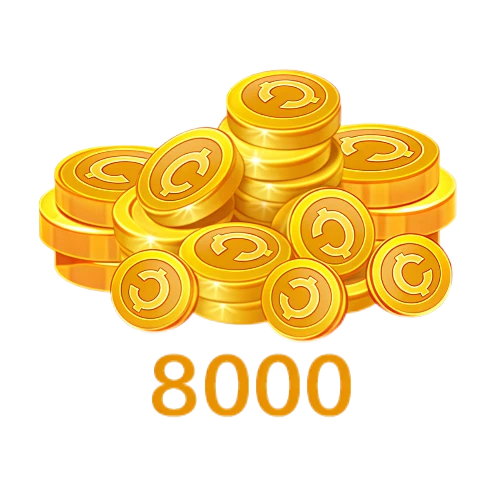
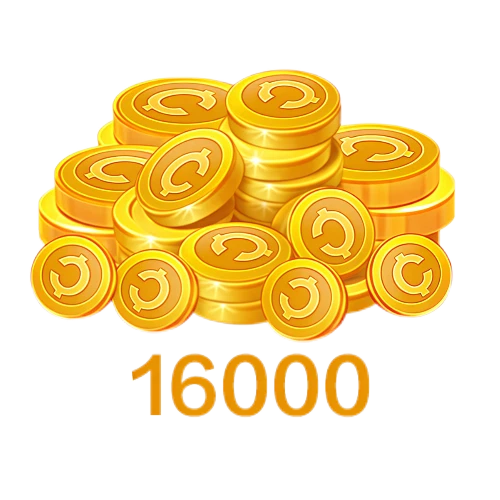
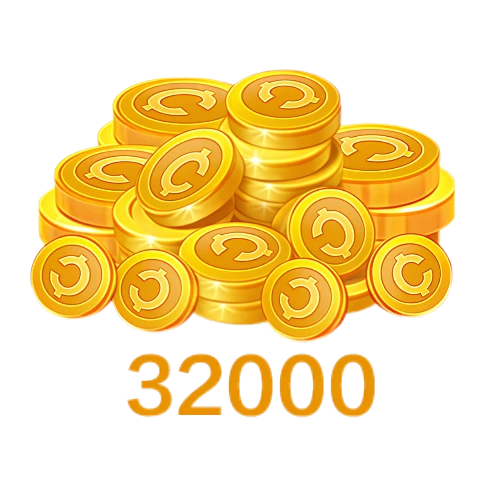
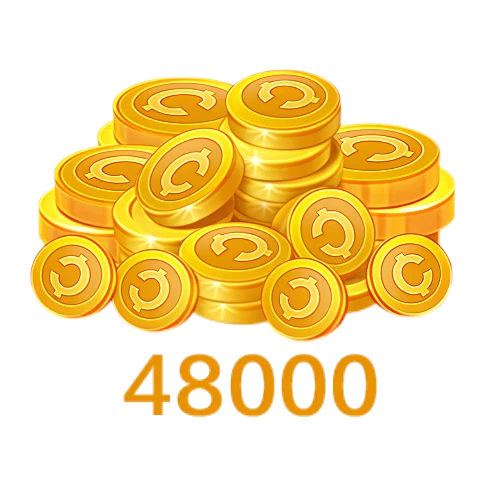






STARMAKER COINS RECHARGE StarMaker Recharge – StarMaker Coins Top Up
StarMaker is a karaoke and music social app where users can sing, record performances, join live broadcasts, enter singing activities, and connect with other music fans. The app combines a large song library with audio effects, duet features, Party Rooms, and community content. StarMaker Coins are the paid virtual currency used for eligible gifts, songs, effects, badges, rooms, and other supported features inside the app. BUFFHUB provides StarMaker Coins top up for supported StarMaker Mobile accounts on the International Server using the recipient account's StarMaker SID.
What Do You Gain by Recharging StarMaker Coins on BUFFHUB?
StarMaker spending is not always a fixed monthly purchase. You might only need a smaller Coin refill for a few gifts, while someone who spends more time in live rooms or community activities may want a larger balance. That is why the useful starting point on BUFFHUB is the current price rather than a fixed package recommendation: you can compare the Coin amount, lower-priced options, and any discounted pricing or current offers shown for eligible packages before deciding how much to buy. Prices and promotions can change, so the live checkout value matters more than an old recharge chart.
The biggest convenience advantage is the way the receiving account is identified. For the supported StarMaker Mobile International Server route, the recharge uses the recipient's StarMaker SID, so you do not need to provide the StarMaker account password just to add Coins. That keeps login credentials out of the recharge itself, whether you are topping up your own account or buying Coins for another user. Payment is handled through a secure checkout environment, and BUFFHUB provides multiple payment methods according to the options available on the checkout page.
Once payment is complete, the recharge itself should take up as little of your time as possible. Supported SID orders are handled with fast processing and do not require a manual account-login handoff, although actual completion time can still vary with payment review, order volume, or temporary service conditions. If an order needs attention, 24/7 customer support is available for order-related questions. For StarMaker, that combination is the real advantage of using BUFFHUB: you can make the purchase around the Coin amount you actually need, keep your account password out of the process, and still have payment flexibility and support available around the order.
Already know how many Coins you want? The detailed StarMaker recharge guide covers the SID requirements, supported account information, and purchase steps.
What Is StarMaker?
StarMaker is a karaoke and music social app built around singing, recording, live interaction, and community participation. Users can choose songs from a large music library, record their performances, apply audio effects, and share their singing with other users.
The app also includes duet features, live broadcasts, Party Rooms, singing activities, and social tools that connect singers and listeners. You can collaborate with other performers, join community challenges, spend time in live rooms, and build an audience around your recordings and performances.
That makes StarMaker more than a basic karaoke player. Some users mainly record songs, while others spend more time in live rooms, support creators, join community activities, or interact with other singers.
What Are StarMaker Coins?
StarMaker Coins are the paid virtual currency used for eligible features inside the StarMaker app. Depending on what is available to your account, Coins may be used for virtual gifts, songs, Party Rooms, badges, audio features, profile options, and other interactive content.
- Send Virtual Gifts: Use StarMaker Coins for available virtual gifts that can be sent to singers, creators, or other users during supported live broadcasts and social interactions.
- Access Songs and Singing Features: Coins may be used for eligible songs, audio effects, personalized sound options, or other singing-related features displayed inside the app.
- Join Party Rooms: StarMaker Coins may be used with eligible Party Room features and interactive spaces where users can sing, listen, and communicate with other members.
- Use Fan Badges and Community Features: Eligible fan badges and related community features can give users additional ways to show support for singers and participate in creator communities.
- Support Singers and Creators: Virtual gifts give users another way to interact with and support performers during live rooms, broadcasts, competitions, and other supported activities.
- Participate in Events and Competitions: Coins may be usable with eligible contests, leaderboards, activities, or event features offered inside StarMaker.
- Customize Your StarMaker Experience: Supported profile options, effects, paid features, and interactive content can provide additional ways to personalize how you sing and interact with the community.
Available songs, gifts, rooms, badges, effects, events, competitions, and other Coin-related features can vary by account, region, and current app content. Check the information shown inside StarMaker before spending Coins on a particular feature.
Why Recharge StarMaker Coins?
Recharging StarMaker Coins gives you access to eligible paid and interactive features inside the app. What makes sense to buy depends on how you use StarMaker: some users mainly send gifts in live rooms, while others use Coins around singing features, community activities, or social spaces.
Use Eligible Singing Features
StarMaker Coins may be used for supported songs, audio effects, personalized sound options, and other paid singing features available to the account.
Send Gifts in Live Rooms
Use available virtual gifts to interact with singers and creators during supported live broadcasts, Party Rooms, and community activities.
Take Part in Social Spaces
Eligible Coin features can give users more ways to interact in Party Rooms and other community spaces while watching, singing, or connecting with other members.
Join Eligible Events and Competitions
StarMaker regularly includes singing activities and community events, with eligible paid features depending on the event and the content currently available to your account.

















































































































Got everything, happy with it 😊