

















Related searches
0 results
Not found
No content related to ""
theme-light theme-light-text
theme-dark-text theme-light
Limbus Company

Limbus Company

broadcast broadcast
Join the BUFFHUB Discord community and instantly receive a $10 discount coupon
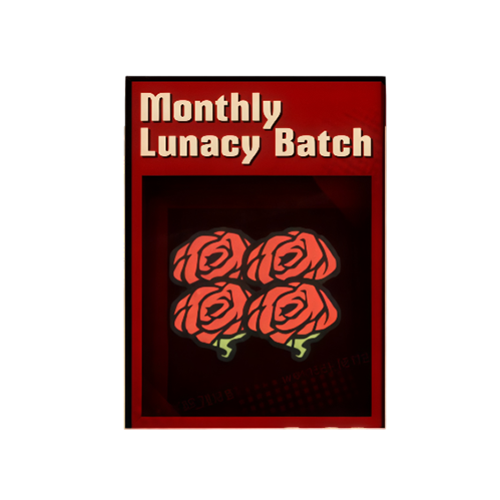
Monthly Lunacy Batch
$ 2.25
$ 2.99
Season 7 Setter
Season 7 Setter
$ 56.70
$ 69.99
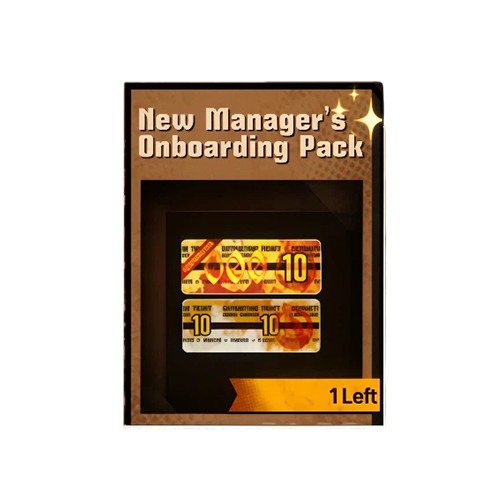
New Manager's Bargain
$ 17.55
$ 21.99
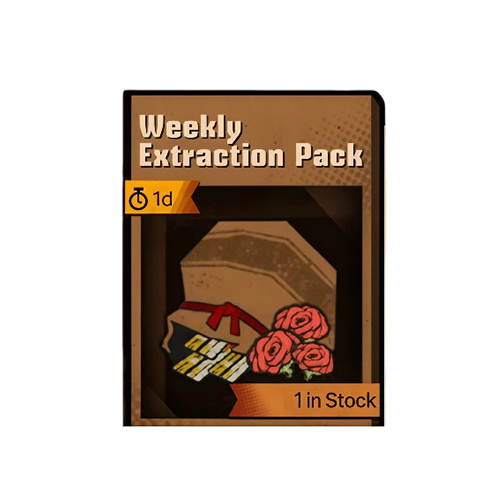
Weekly Extraction Pack
$ 5.58
$ 6.99
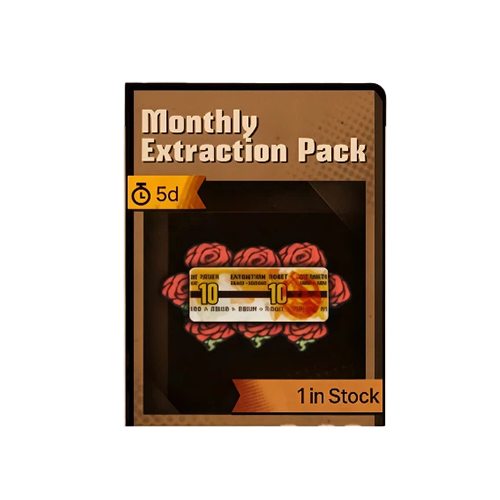
Monthly Extraction Ticket Pack
$ 8.00
$ 9.99
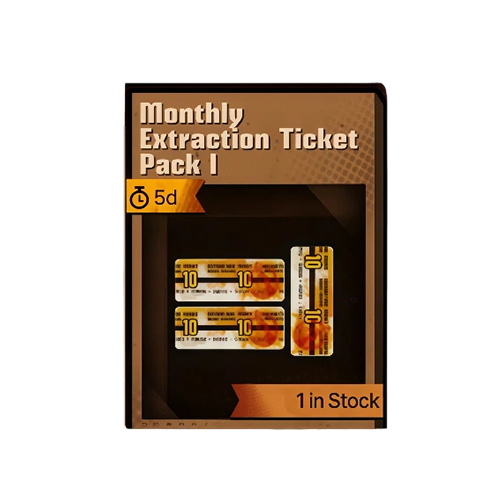
Monthly Extraction Ticket Pack I
$ 15.20
$ 18.99
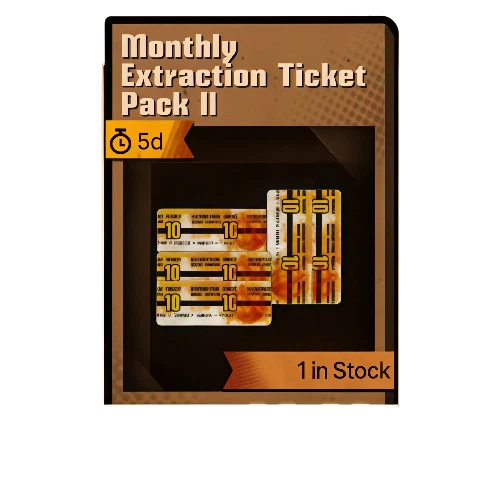
Monthly Extraction Ticket Pack II
$ 26.00
$ 32.99
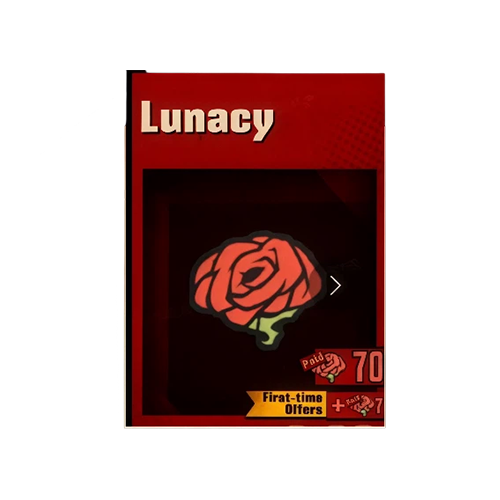
70 Lunacy
70 Lunacy
$ 0.78
$ 0.99
294 Lunacy
294 Lunacy
$ 2.97
$ 3.99
1014 Lunacy
1014 Lunacy
$ 9.60
$ 11.99
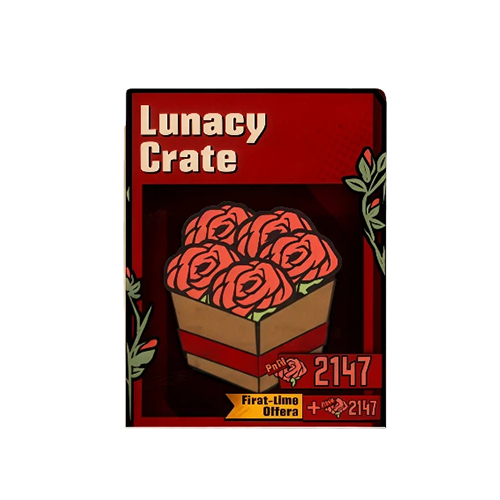
2147 Lunacy
2147 Lunacy
$ 19.44
$ 23.99
4103 Lunacy
4103 Lunacy
$ 33.30
$ 41.99
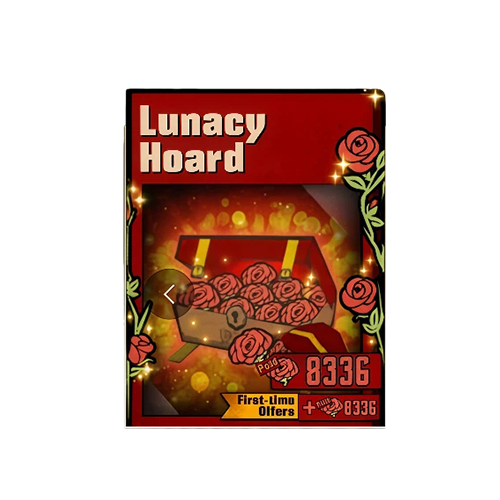
8336 Lunacy
8336 Lunacy
$ 64.80
$ 79.99

Quantity

Price
$0.00
HOW TO BUY?
Total
- +

0

Overall Rating
5.0
205 reviews
Overall Rating
5.0
Based on 205 reviews
  • 5 Star
    100%
  • 4 Star
    0%
  • 3 Star
    0%
  • 2 Star
    0%
  • 1 Star
    0%
Product Introduction
Recharge guide
User Reviews(205)
Top-Up Guide

Limbus Company Top-Up - Paid Lunacy & Packs


Lead your Sinners deeper into the City and prepare your roster for the content ahead in Limbus Company. Whether you want Paid Lunacy, available packs, or other eligible in-game purchases, BUFFHUB provides a Login Top-Up service for purchasing the selected content on your game account.

What Are the Benefits of Topping Up Limbus Company on BUFFHUB?

Limbus Company uses a Login Top-Up on BUFFHUB, so the advantages go beyond simply having another place to buy Paid Lunacy. BUFFHUB combines competitive pricing, current discounts, flexible payment options, manual order processing, and 24/7 support in one purchase flow, while also accommodating the Google Account and Verification Code requirements of this particular top-up method.

  • BUFFHUB Makes Login-Based Checkout More Manageable

    BUFFHUB provides multiple payment methods at checkout and processes payments through a secure transaction environment. Since this Limbus Company service uses Google Account login and may require a Verification Code, the purchase flow is designed around those account requirements instead of treating the order like a simple UID-only recharge. That gives you a clearer idea of what information may be needed before and during processing.

  • BUFFHUB Gives You More Room to Compare Price and Savings

    Paid Lunacy amounts and eligible Limbus Company packs are offered at competitive prices, while selected products may also include discounted pricing, current offers, or other available savings. Because the page includes both Paid Lunacy options and packs with different contents, you can compare the current selection and choose the purchase that better matches your budget instead of relying on a fixed lowest-price claim.

  • BUFFHUB Combines Efficient Processing with 24/7 Support

    After the required information has been submitted correctly, Limbus Company Login Top-Up orders on BUFFHUB are usually processed in around 30 minutes. Actual completion time can vary when additional verification is needed or processing conditions change, but customer support remains available 24/7 if you need help with your order, payment, Google Account information, or Verification Code request.

The practical advantage of using BUFFHUB for Limbus Company is that price, discounts, payment choices, manual processing, and support are all handled around the requirements of a Login Top-Up rather than presented as separate generic selling points. You can compare the current Paid Lunacy and pack options first, then use the detailed top-up guide to review the Google Account and verification requirements before submitting your order.

What Is Paid Lunacy in Limbus Company?

Paid Lunacy is a premium currency in Limbus Company used for eligible premium purchases. It gives players additional flexibility when using available Extraction options, purchasing selected shop content, or choosing other premium products currently offered in the game.

Use Paid Lunacy for Extractions

Paid Lunacy can be used for eligible Extraction options, giving you another way to work toward Identities and E.G.O. as you expand your roster of Sinners.

Access Eligible Premium Content

Paid Lunacy can also be used for available premium shop options and other eligible in-game purchases, depending on the content currently offered in Limbus Company.

Keep More Purchasing Flexibility

Having additional Paid Lunacy gives you more flexibility when deciding between eligible Extractions and other premium purchases without tying every purchase to the same type of content.

Limbus Company Paid Lunacy First Top-Up Reward

Eligible first-time Limbus Company Paid Lunacy purchases can receive double Paid Lunacy according to the first-purchase rules shown in the game. Before ordering, check the selected Paid Lunacy option carefully and confirm that the first-purchase bonus is currently shown for that purchase.

First Top-Up Bonus

When an eligible Paid Lunacy option shows the first-purchase bonus, the purchase can provide double Paid Lunacy under the conditions displayed in the game.

Paid Lunacy

Choose the Paid Lunacy amount that matches your current needs, whether you want it for eligible Extractions or other premium purchases.

Packs and Other Eligible Purchases

Different packs can contain different resources or premium content. Check the current product details carefully before placing your order so the selected option matches what you want to receive.

What Is Limbus Company?

Limbus Company is a story-driven RPG from Project Moon in which you take the role of the Executive Manager and lead twelve Sinners through the City. The group ventures into the buried branch facilities of Lobotomy Corporation in search of the Golden Boughs.

Combat combines turn-based decisions with simultaneous actions and the Clash system. Players build teams around different Identities and E.G.O., manage skill interactions, develop useful combinations, and follow the distinctive story surrounding the twelve Sinners and the City.

More down down
Fold Up up up

Limbus Company Top-Up Information and Important Notes

Make sure all submitted information is complete and accurate before your order is processed. Stay in contact with customer support during the Login Top-Up, as a Verification Code may be required later in the process.

This Login Top-Up service uses Google Account login. If your Limbus Company progress is currently associated with Steam, make sure the progress you want to keep has been correctly integrated with the Google Account you plan to provide before placing the order.

Applicable Platform Limbus Company Mobile & PC
Supported Server Global
Top-Up Method Login Top-Up
Supported Login Method Google Account
Required Login Information
1. Google Account
2. Password
3. UID
4. Verification Code
Verification Stay in contact with customer support during processing and provide the Verification Code when requested.
Estimated Processing Time Usually around 30 minutes after the required information is submitted; actual processing time may vary
Important: Make sure your Google Account, password, UID, and any requested verification information are complete and accurate. To avoid login conflicts or interruptions during the manual purchase, do not log in to Limbus Company while your order is being processed.

Login Top-Up: Manual Top-Up Guide

01

Visit the Website: Go to the BUFFHUB website, select your preferred language and currency, and log in to your account.

02

Find the Product: From the navigation menu on the homepage, select Game Top-Up > Limbus Company (Manual Top-Up).

03

Confirm Your Order: Select the Paid Lunacy amount or available pack you want, then click “Buy Now”.

04

Complete Payment: Select an available payment method, review the order details, and complete the transaction.

05

Submit Your Information and Wait: Provide the required login information on the order page or through the customer support flow shown for your order. A top-up specialist will use the submitted information to complete the manual purchase. Do not log in to your account while the order is being processed.

Waiting page after submitting Limbus Company manual top-up information

After your information has been submitted successfully, the system will redirect you to the Waiting Page while the top-up specialist begins processing your order.

06

Top-Up Complete:

· Automatic Redirect: Once processing is complete, the page will redirect to the top-up success page.

· Check Your Order: You can also open “Purchase History” to review the current order status and top-up progress.

· Check Your Purchase: Once the order is confirmed as completed, log in to Limbus Company and verify the Paid Lunacy or pack content you purchased.

Frequently Asked Questions (FAQ)

Q1: How is a Limbus Company Login Top-Up handled?

BUFFHUB uses the account information required for the supported Google Account login method to process the manual purchase. Payment is completed through a secure transaction environment, but this should not be treated as an absolute guarantee about account or transaction risk. Check all submitted information carefully before confirming the order.

Q2: How long does a Limbus Company Login Top-Up take?

Orders are usually processed in around 30 minutes after the required account information has been submitted correctly. Actual completion time can vary, especially if additional verification is required or current processing conditions cause delays.


Q3: What information do I need for Limbus Company top-up?

Prepare the Google Account linked to the Limbus Company progress you want to use, along with the password and UID. Stay in contact with customer support during processing because a Verification Code may also be requested before the manual purchase can continue.

Q4: Does Limbus Company Paid Lunacy have a first top-up reward?

Eligible first-time Paid Lunacy purchases can receive double Paid Lunacy under the first-purchase rules currently shown in the game. Check the specific Paid Lunacy option before ordering because the bonus depends on the current status of that purchase.

Q5: What should I do if there is a problem with my top-up?

First check the Google Account, password, UID, Verification Code if requested, and selected product. Do not log in to Limbus Company while the order is actively being processed. If the order still needs attention, contact BUFFHUB's 24/7 customer support with your order details and any additional information requested.

More down down
Fold Up up up
U452263409
Purchased New Manager's Bargain · Sep 11, 2026

キャラが引けた!ありがとう!

U403552989
Purchased Monthly Extraction Ticket Pack I · Sep 11, 2026

Terbaik dan pantas

U776965879
Purchased 2147 Lunacy · Sep 11, 2026

🥳

AvaBor
Purchased New Manager's Bargain · Sep 11, 2026

super fast

U418681044
Purchased Monthly Extraction Ticket Pack · Sep 11, 2026

Always my first choice. Never fails.

U798582276
Purchased 2147 Lunacy · Sep 11, 2026

Excelente

View All Comments
Sort By :
Latest
U452263409
Purchased New Manager's Bargain

キャラが引けた!ありがとう!

Sep 11, 2026
U403552989
Purchased Monthly Extraction Ticket Pack I

Terbaik dan pantas

Sep 11, 2026
U776965879
Purchased 2147 Lunacy

🥳

Sep 11, 2026
AvaBor
Purchased New Manager's Bargain

super fast

Sep 11, 2026
U418681044
Purchased Monthly Extraction Ticket Pack

Always my first choice. Never fails.

Sep 11, 2026
U798582276
Purchased 2147 Lunacy

Excelente

Sep 11, 2026
View All Comments

Product Introduction

  • Alipay Alipay
  • ApplePay ApplePay
  • bancontact bancontact
  • bancontact-1 bancontact-1
  • billease billease
  • blik blik
  • boleto boleto
  • boost boost
  • bpi bpi
  • dana dana
  • Ewallet Ewallet
  • gcash gcash
  • GooglePay GooglePay
  • Ideal Ideal
  • kakao_pay kakao_pay
  • Klarna Klarna
  • konbini konbini
  • Kplus Kplus
  • line line
  • MBWAY MBWAY
  • multibanco multibanco
  • mybank mybank
  • naverpay naverpay
  • NetBanking NetBanking
  • oxxo oxxo
  • payco payco
  • paynow paynow
  • payu payu
  • pix pix
  • Qiwi Qiwi
  • rabbit rabbit
  • samsung samsung
  • sberpay sberpay
  • SBP SBP
  • SEPA SEPA
  • skrill skrill
  • spei spei
  • swish swish
  • tng tng
  • Tosspay Tosspay
  • truemoney truemoney
  • usdt usdt
  • Visa Visa
  • Visa-mastercard Visa-mastercard
  • Visa-mastercard+jbc Visa-mastercard+jbc
  • yoomoney yoomoney
  • Alipay Alipay
  • ApplePay ApplePay
  • bancontact bancontact
  • bancontact-1 bancontact-1
  • billease billease
  • blik blik
  • boleto boleto
  • boost boost
  • bpi bpi
  • dana dana
  • Ewallet Ewallet
  • gcash gcash
  • GooglePay GooglePay
  • Ideal Ideal
  • kakao_pay kakao_pay
  • Klarna Klarna
  • konbini konbini
  • Kplus Kplus
  • line line
  • MBWAY MBWAY
  • multibanco multibanco
  • mybank mybank
  • naverpay naverpay
  • NetBanking NetBanking
  • oxxo oxxo
  • payco payco
  • paynow paynow
  • payu payu
  • pix pix
  • Qiwi Qiwi
  • rabbit rabbit
  • samsung samsung
  • sberpay sberpay
  • SBP SBP
  • SEPA SEPA
  • skrill skrill
  • spei spei
  • swish swish
  • tng tng
  • Tosspay Tosspay
  • truemoney truemoney
  • usdt usdt
  • Visa Visa
  • Visa-mastercard Visa-mastercard
  • Visa-mastercard+jbc Visa-mastercard+jbc
  • yoomoney yoomoney
Language & Currency
  • Language
    English
    中文(繁体)
    日本語
    Bahasa Indonesia
    Bahasa Melayu
    Français
    Italiano
    Deutsch
    Русский
    Español
    한국어
  • Display Currency
    $ USD
    € EUR
    £ GBP
    C$ CAD
    A$ AUD
    S$ SGD
    Ұ JPY
    ₩ KRW
    SA SAR
    AED AED
    RM MYR
    ₱ PHP
    Rp IDR
    ฿ THB
    NT$ TWD
    HK$ HKD
    ₫ VND
    MX$ MXN
    R$ BRL
    ₽ RUB