














 Official Supply & Safe
 Money back guaranteed


Whiteout Survival Frost Star & Pack Top-Up Guide
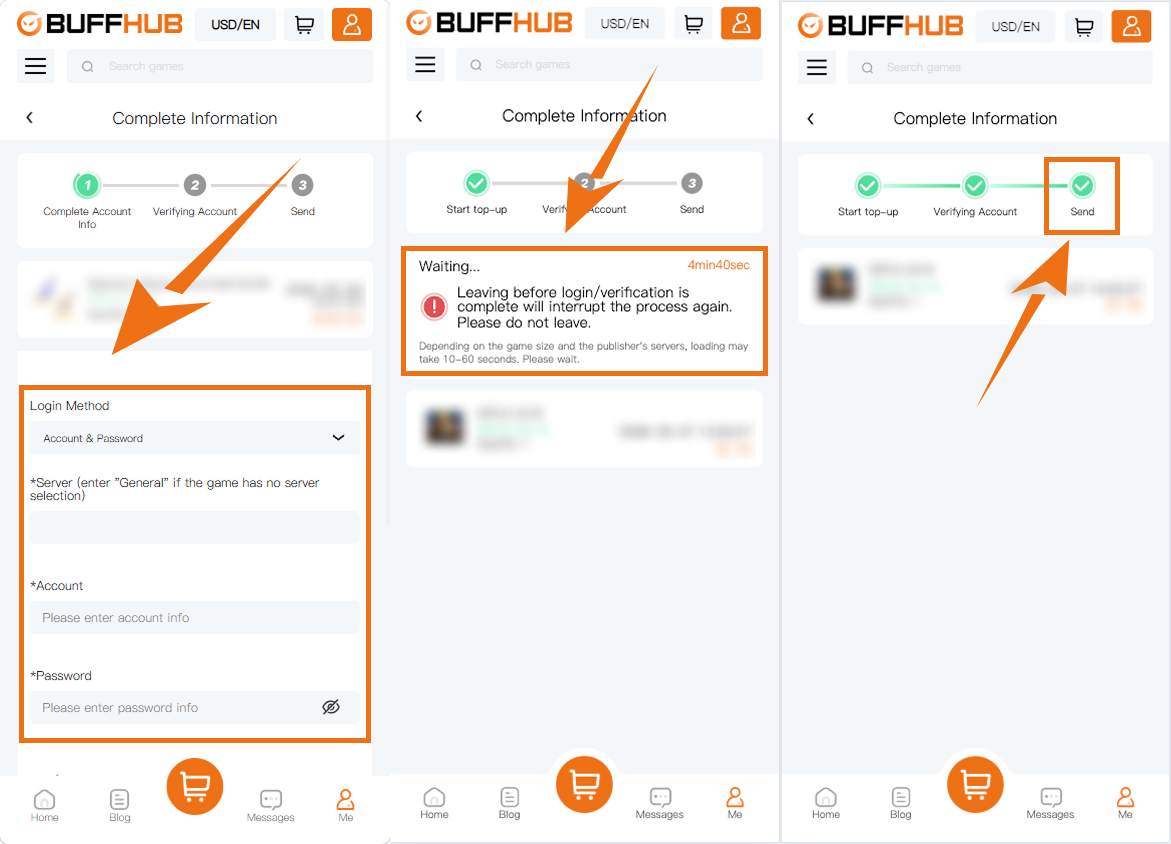
Whiteout Survival supports a Self-Service Top-Up flow that lets you sign in and select the matching in-game pack yourself after payment. If you use Self-Service Top-Up, a linked Google or Facebook account is recommended for game login; a separate Login Top-Up option is also available for orders that need assisted processing.
Product Introduction: Frost Stars and Pack Redemption
Whiteout Survival purchases on BUFFHUB include Frost Star options as well as Standard Packs organized by in-game price tier.
- ▹ Choose a Standard Pack based on the price tier of the in-game pack you want to purchase. For example, a 99.99 Standard Pack can be used to redeem an eligible in-game pack priced at 99.99.
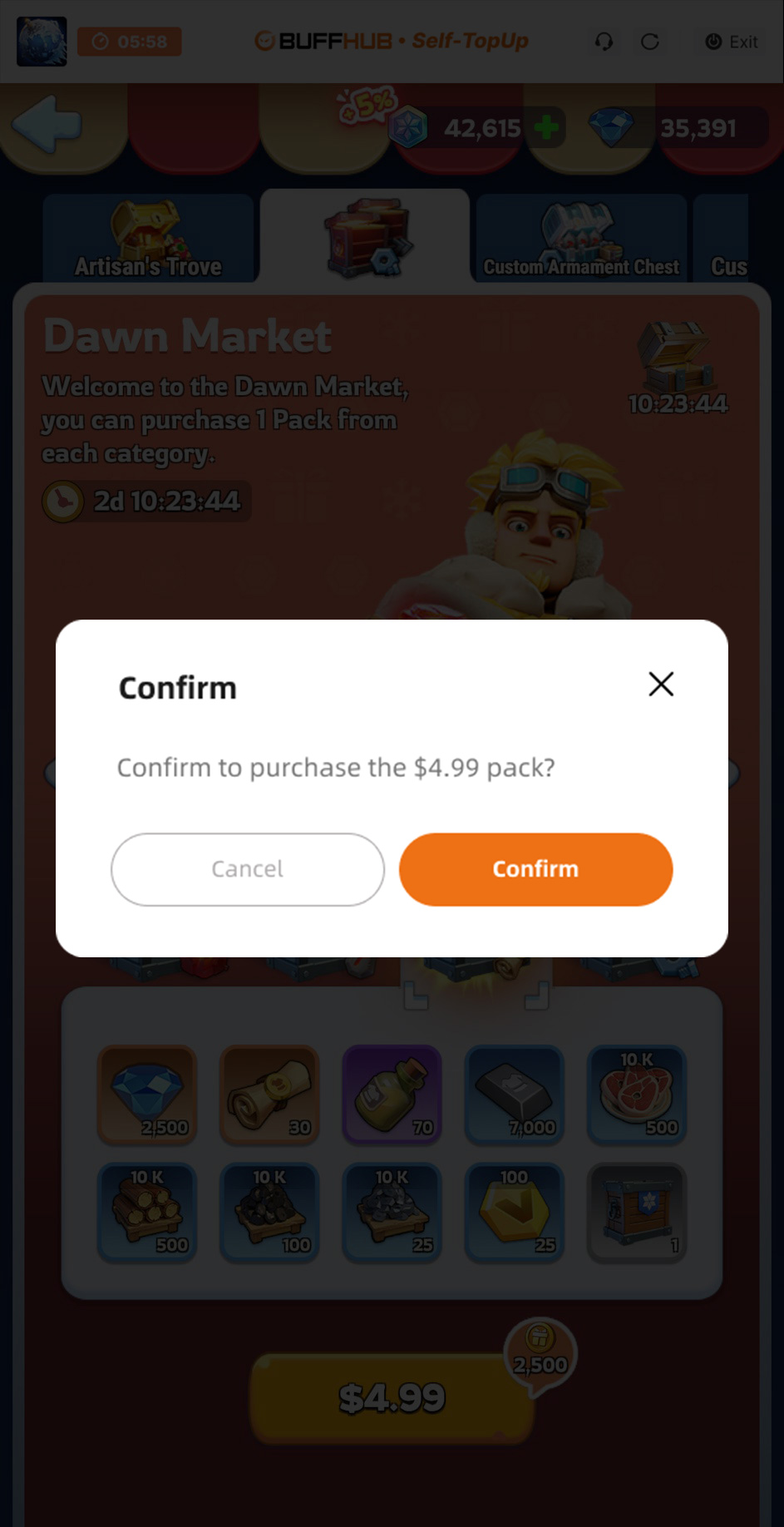
- ▹ During redemption, select the matching-price pack you actually want in the in-game store. The same price-matching logic applies to the Standard Pack tiers currently listed on BUFFHUB.
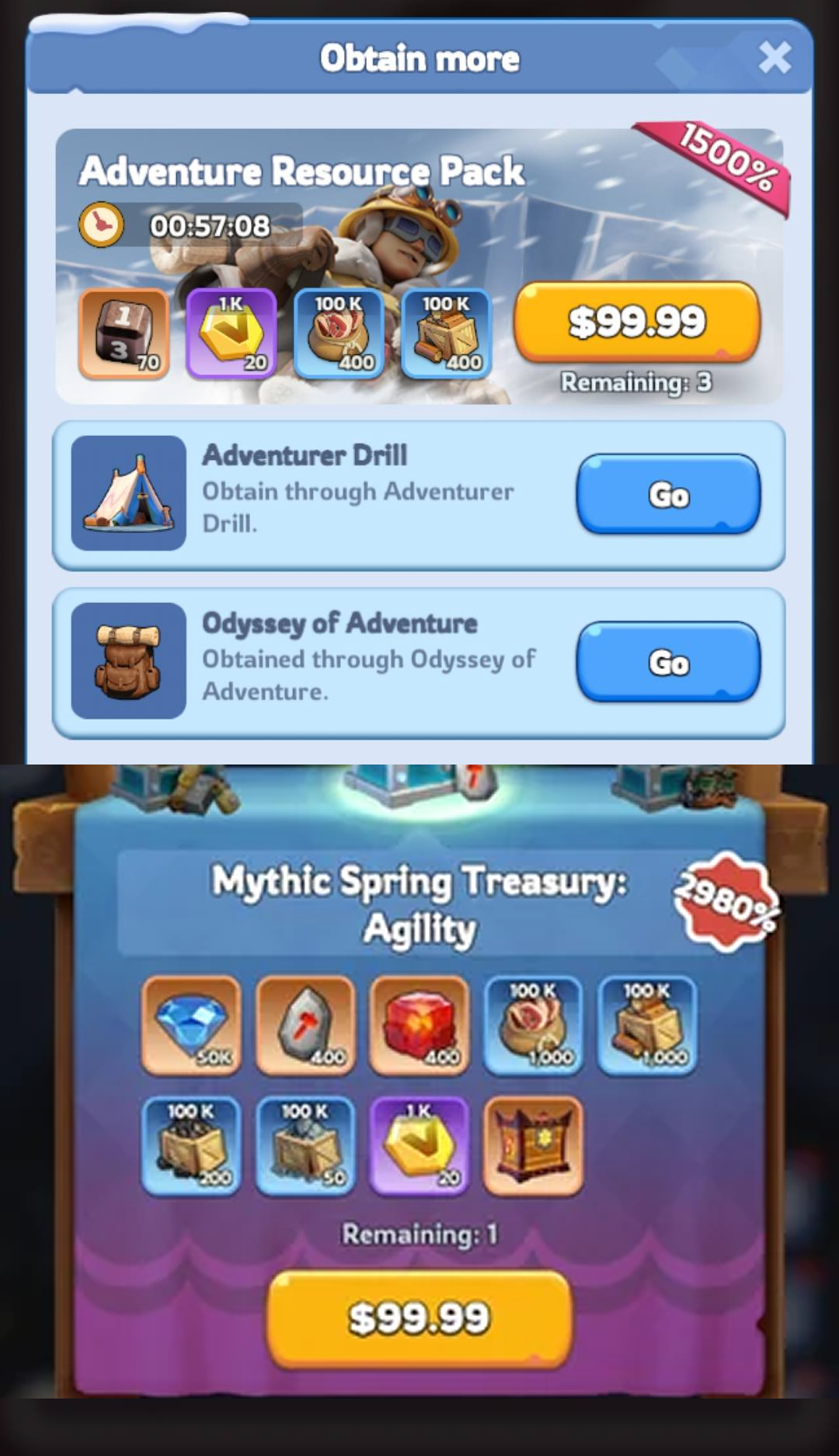
All-In-One Standard Packs combine five Standard Pack price tiers in one purchase: 4.99, 9.99, 19.99, 49.99, and 99.99. Instead of purchasing those five Standard Packs separately, you receive one pack from each listed tier as part of the All-In-One product.
Choose the Pack First, Then Pick the Whiteout Survival Top-Up Route That Fits
Whiteout Survival spending often starts with a specific in-game pack rather than a generic recharge amount, so the useful comparison is the pack's price tier. BUFFHUB lists lower-priced Standard Pack options and current promotional discounts on selected products, letting you compare the live cost before choosing the tier or All-In-One option that matches what you plan to redeem.
Move From Payment to Pack Redemption With Fewer Handoffs
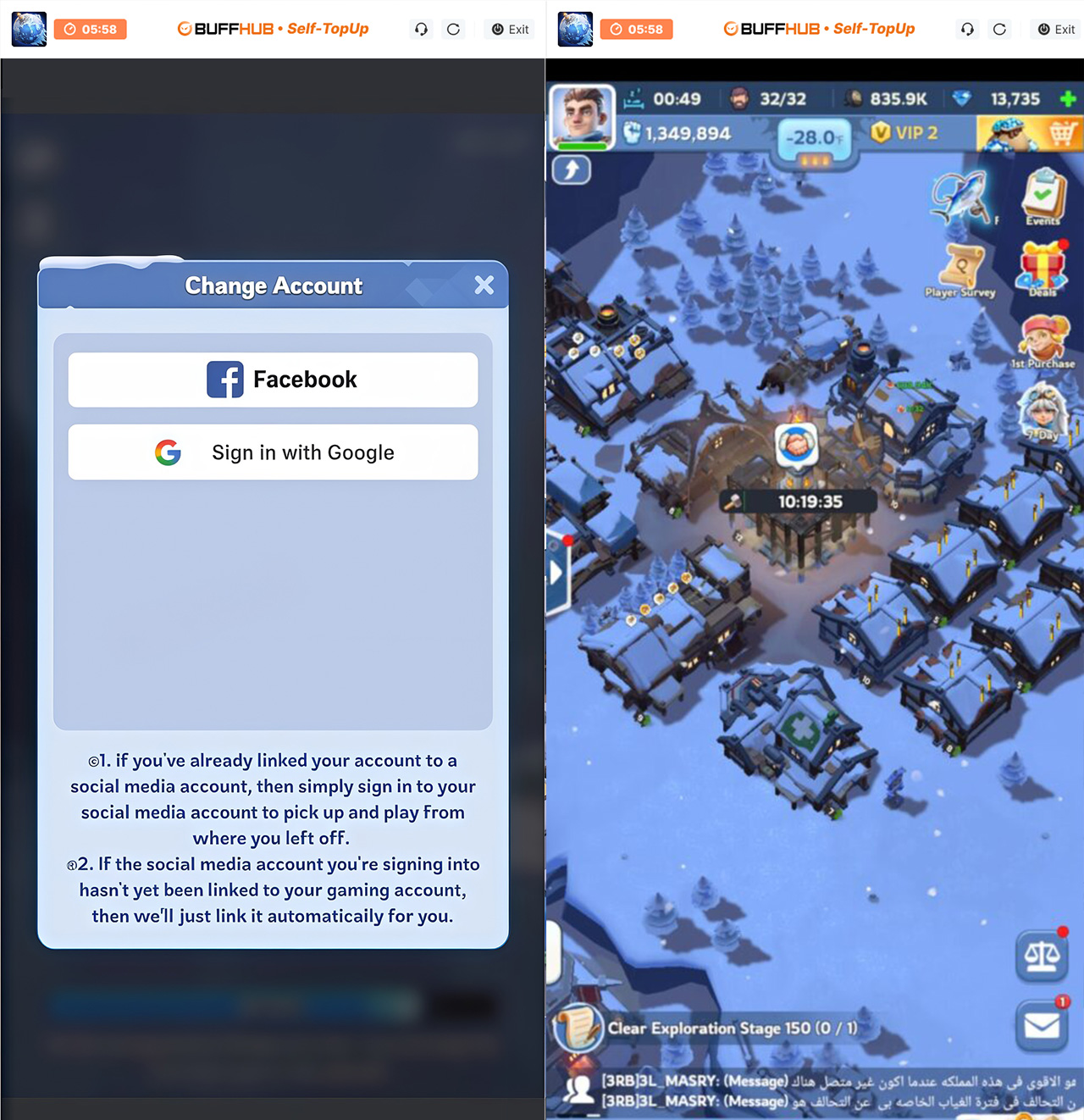
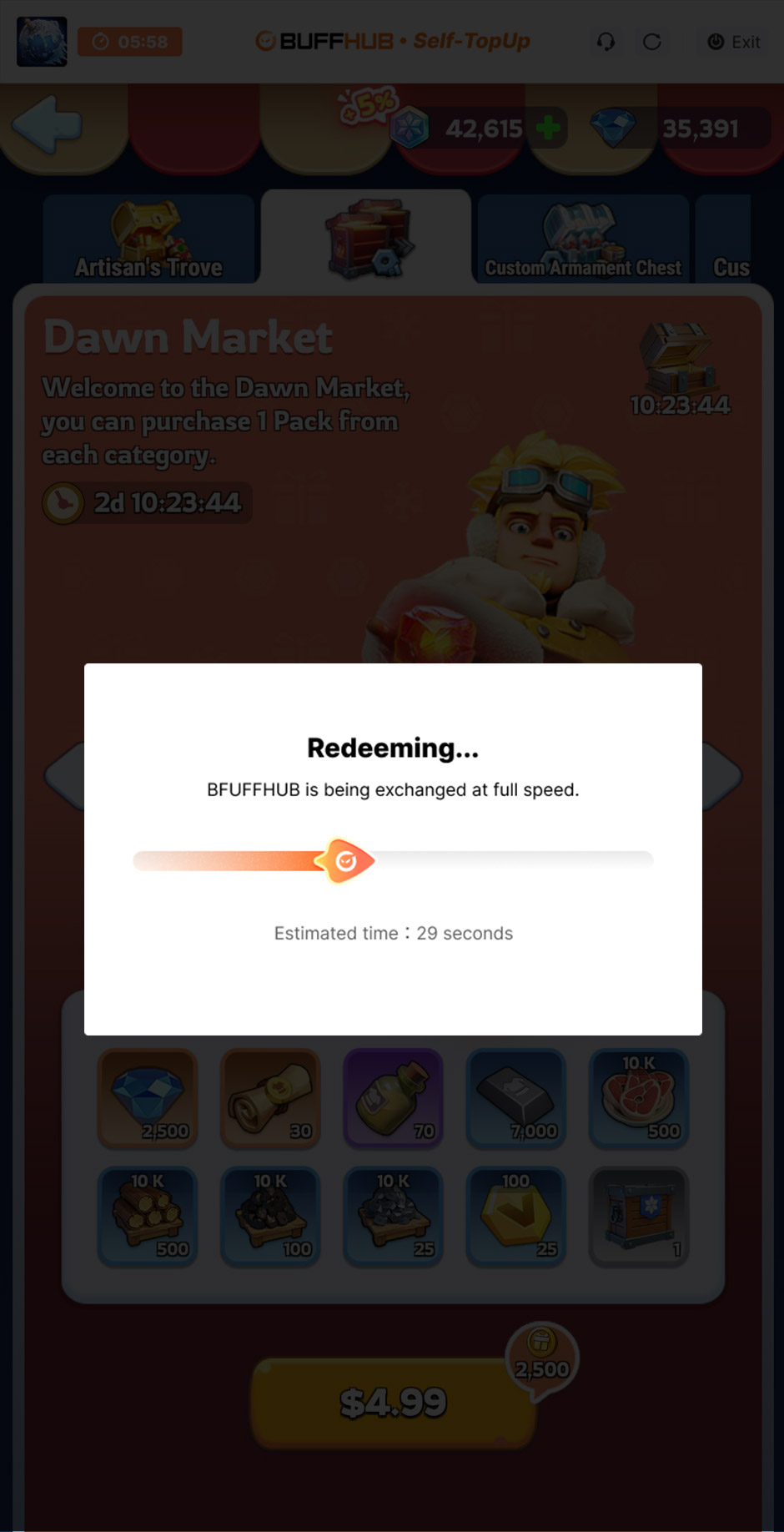
Self-Service Top-Up is the more direct route when you are comfortable handling the game login and pack selection yourself. After payment, you enter the dedicated Self-Service environment, sign in, and select the eligible in-game pack that matches the value you purchased. This keeps the process focused on fast processing without adding a manual handoff before the pack is selected. Orders are usually processed quickly, although actual timing can vary with payment verification, login verification, current order volume, and the selected product.
Keep Login and Payment Details Inside the Intended Checkout Flow
With Self-Service Top-Up, you handle the game login inside the dedicated environment instead of sending your password to the manual top-up team. If you choose Login Top-Up instead, provide only the account information requested for that assisted order. BUFFHUB also uses a secure checkout environment for payment, helping keep payment and order information within the intended purchase flow rather than sharing it through unrelated channels.
Choose a Payment Method That Fits Your Region
BUFFHUB supports multiple payment methods, and the options available can vary by region and payment provider. Depending on what is shown at checkout, supported methods may include credit cards, debit cards, e-wallets, bank transfers, convenience store payments, and other locally available options. The payment page shows the methods and any applicable charges available for your transaction before you confirm payment, so you can choose from the options currently supported for your order.
For Whiteout Survival, the practical advantage is being able to plan the purchase around the pack you actually want: compare lower-priced options and current discounts, choose the matching Standard Pack tier, move through a fast Self-Service route when it suits the order, and select from multiple payment methods in a secure checkout environment. If you need help with pack matching, payment status, login verification, Self-Service Top-Up, or an order already in progress, 24/7 customer support is available for order-related assistance. BUFFHUB also provides top-up pages for Kingshot, Last War: Survival Game, Dark War Survival, Tiles Survive, and Last Z: Survival Shooter.
Whiteout Survival
Whiteout Survival is a winter-themed survival strategy game built around rebuilding a settlement after a devastating blizzard. Players keep the Furnace running, manage survivors and resources, develop heroes, and work with an Alliance as the settlement expands across the frozen frontier. Progress combines city development, resource management, hero growth, exploration, and cooperative play.



















































































































Quick.