
















Related searches
0 results
Not found
No content related to ""
theme-light theme-light-text
theme-dark-text theme-light
Last War: Survival Game

Last War: Survival Game

broadcast broadcast
The self-service top-up system is available 24/7. Welcome to try it out!
New User Exclusive: ANY $4.99 PACK
Total 0/1
New User Exclusive: ANY $4.99 PACK
$ 3.6
$ 4.99
Super Monthly Pass
Super Monthly Pass
$ 19.01
$ 24.99
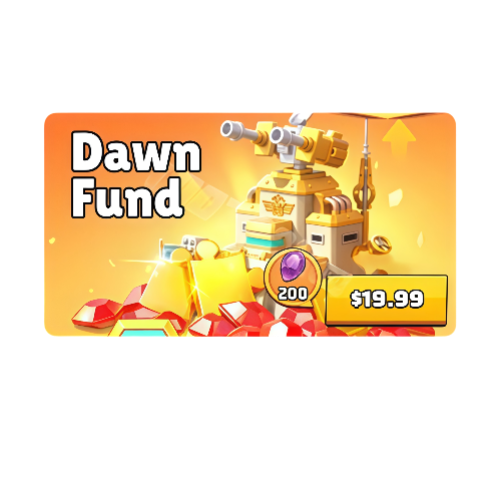
Dawn Fund
Dawn Fund
$ 14.7
$ 19.99
0.99 Standard Packs
0.99 Standard Packs
$ 0.88
$ 0.99
1.99 Standard Packs
1.99 Standard Packs
$ 1.46
$ 1.99
3.99 Standard Packs
3.99 Standard Packs
$ 2.93
$ 3.99
4.99 Standard Packs
4.99 Standard Packs
$ 3.88
$ 4.99
9.99 Standard Packs
9.99 Standard Packs
$ 7.34
$ 9.99
Season Battle Pass
Season Battle Pass
$ 14.7
$ 19.99
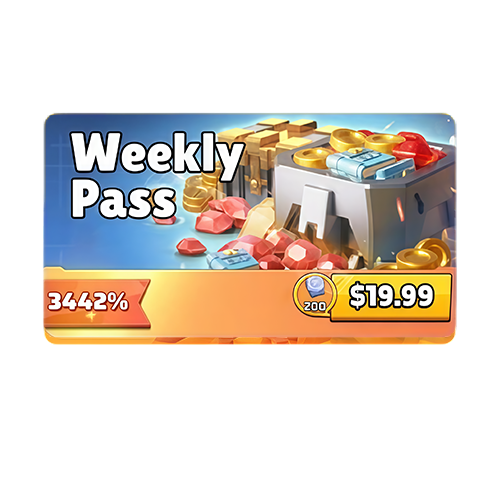
Weekly Pass
Weekly Pass
$ 14.7
$ 19.99
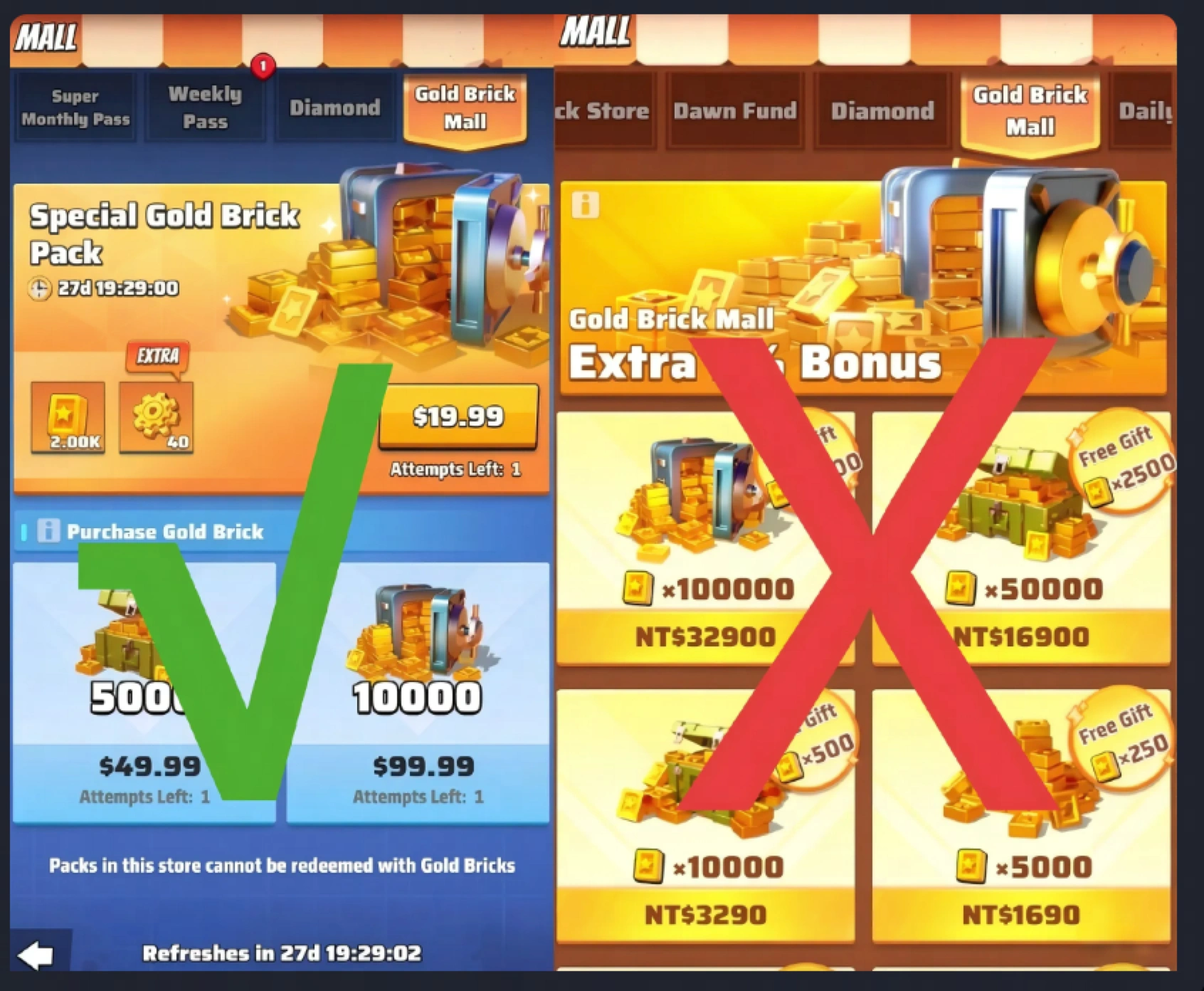
Special Gold Brick Pack
$ 14.4
$ 19.99
19.99 Standard Packs
$ 14.4
$ 19.99
49.99 Standard Packs
$ 36.75
$ 49.99
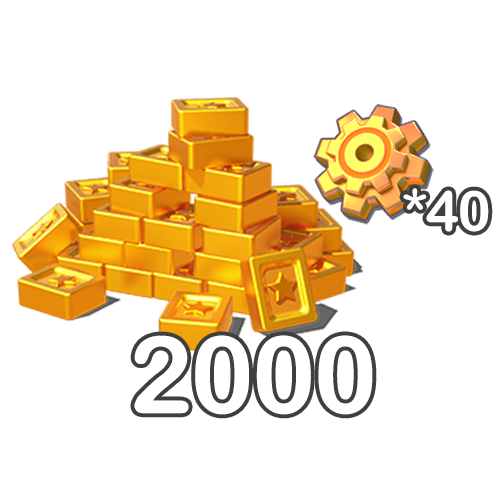
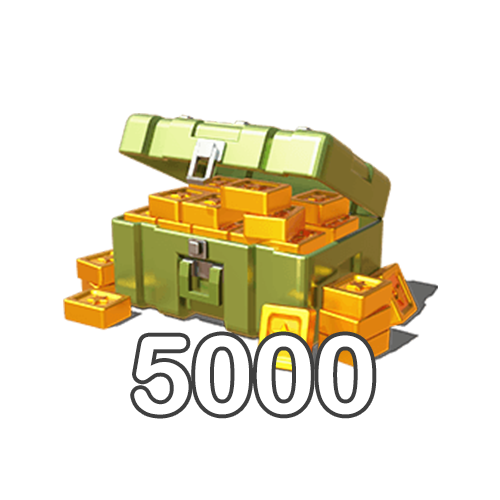
5000 Gold Brick
5000 Gold Brick
$ 36.75
$ 49.99
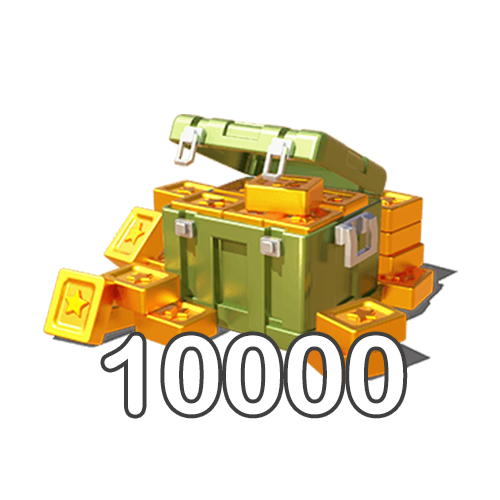
10000 Gold Bricks
10000 Gold Bricks
$ 72.04
$ 99.99
99.99 Standard Packs
$ 72.04
$ 99.99
All-In-One Bundle
All-In-One Bundle
$ 135.98
$ 184.95
Black Market Cash All-In-One
$ 283.01
$ 384.93
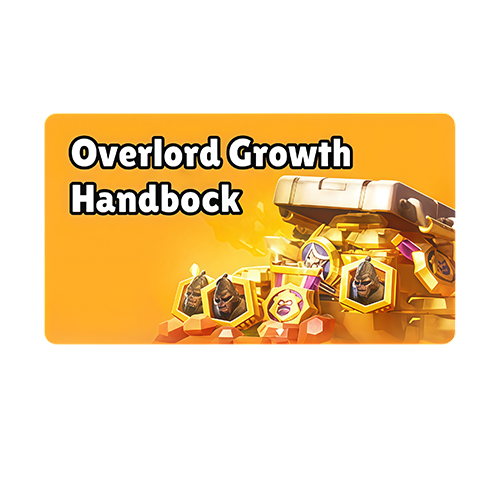
Overlord Growth Handbook
$ 18.01
$ 24.99
499.99 Standard Packs
$ 367.61
$ 499.99
999.99 Standard Packs
$ 735.22
$ 999.99

Quantity

Price
$0.00
HOW TO BUY?
Total
- +

0

Overall Rating
5.0
2,792 reviews
Overall Rating
5.0
Based on 2,792 reviews
  • 5 Star
    99%
  • 4 Star
    1%
  • 3 Star
    0%
  • 2 Star
    0%
  • 1 Star
    0%
Product Introduction
Recharge guide
User Reviews(2,792)

Last War: Survival Top-Up — Standard Packs and Full-Service Top-Up

Compare Last War: Survival Game packs and top-up options on BUFFHUB for more flexibility around your in-game spending.

Product Overview: Diamonds, Gold Bricks, and Pack Redemption

💎 About Diamonds

Diamonds are a key premium currency used across Last War: Survival Game progression systems, including Store purchases, VIP-related spending, and other resource needs. Used carefully, they can also help you pick up progression items such as Speed-Ups and reduce waiting around longer upgrades.

🧱 About Gold Bricks

Gold Bricks are a paid in-game currency in Last War: Survival Game that can be used to redeem Packs and Hot Deals. BUFFHUB currently lists Gold Brick products alongside Standard Packs, giving you another way to plan purchases around the items available in the in-game Store.

📦 How Pack Redemption Works

  • Equal-Value Redemption: When using Self-Service Top-Up, the pack denomination you purchase on BUFFHUB, such as $99.99, can be used to redeem an eligible in-game pack with the same listed value.
  • Promotional Pricing: Selected Last War: Survival Game products are listed with discounted pricing on BUFFHUB. Discounts and available packs can change, so check the live product card before paying to confirm the current price and offer.

Pay for the Pack Value You Need, Then Choose How to Redeem It

Last War: Survival Game purchases are often tied to a specific Store pack, pass, or event budget rather than a simple currency refill. BUFFHUB lists lower-priced Standard Packs and other eligible products with strong promotional discounts on selected options, so you can compare the live price against the in-game value you actually want before paying. For Self-Service Top-Up, that matters because the purchased denomination is used to redeem an eligible in-game pack with the same value.

  • Keep account and payment security in focus. BUFFHUB handles purchases through a secure checkout environment and keeps the information requested for each order tied to the selected recharge method. If a login-based order requires account details, submit only the information requested through the official checkout or customer support flow rather than sharing credentials through unrelated channels. Checking the target pack, account details, and order information before payment also helps reduce avoidable recharge errors.
  • Move from checkout to redemption without adding unnecessary steps. Self-Service orders are generally handled quickly, although actual processing time can vary with payment verification, login activity, order volume, and the selected product. BUFFHUB also provides multiple payment methods at checkout, with the available options shown according to your region.
  • Use assisted recharge when the Self-Service route is not the right fit. Manual Login Top-Up remains available as a separate flow for orders that require account information or additional assistance. If you need help with a failed Self-Service attempt, pack details, payment status, or an order already in progress, 24/7 customer support is available for order-related questions.

For Last War players, the practical value comes from matching the purchase to the pack you actually want: compare low-priced options and current discounts, choose from multiple payment methods, complete the transaction through a secure checkout flow, and use Self-Service when you want to manage the in-game login and pack selection yourself. BUFFHUB also offers top-up pages for Whiteout Survival, Kingshot, Dark War Survival, Tiles Survive!, and Last Z: Survival Shooter.

About Last War: Survival Game

Last War: Survival Game is a post-apocalyptic zombie strategy game built around survival combat, base development, Hero progression, and alliances. Players fight infected enemies, develop their shelter, recruit Heroes, and gather resources as they build stronger squads and expand their base. Top-ups can support several parts of that progression:

  • 🚀 Speed Up Progress: Use Diamonds and progression packs to obtain useful resources and Speed-Ups that can reduce waiting around longer building and research upgrades.
  • ⚔️ Recruit Heroes: Recruitment items such as Legendary Recruitment Tickets can help expand your Hero roster and strengthen the squads you are building for combat.
  • 📦 Strategic Resources: Maintain supplies of Food, Iron, and Coins to support continued base development and research.

💡 Advanced Tips for Beginners:

1. Prioritize HQ Upgrades: Your HQ level determines the upgrade limit of other buildings, so prioritize meeting the requirements for your next HQ upgrade.

2. Use Speed-Ups Wisely: During the early game, consider saving longer-duration Speed-Ups and completing shorter upgrades while you are actively playing.

More down down
Fold Up up up

Top-Up Information

Supported Platform Mobile servers
Supported Region Global Server top-ups
Failed or Unavailable Self-Service Top-Up If Self-Service Top-Up fails or is currently unavailable, provide the customer support team with the Last War: Survival Game account information, password, required verification details, the name of the pack you want to purchase, and a screenshot of the pack so the available manual recharge option can be checked.

Top-Up Status Check After the top-up is completed, log in to the game and confirm that the purchased content has been credited to your account.

Top-Up Process

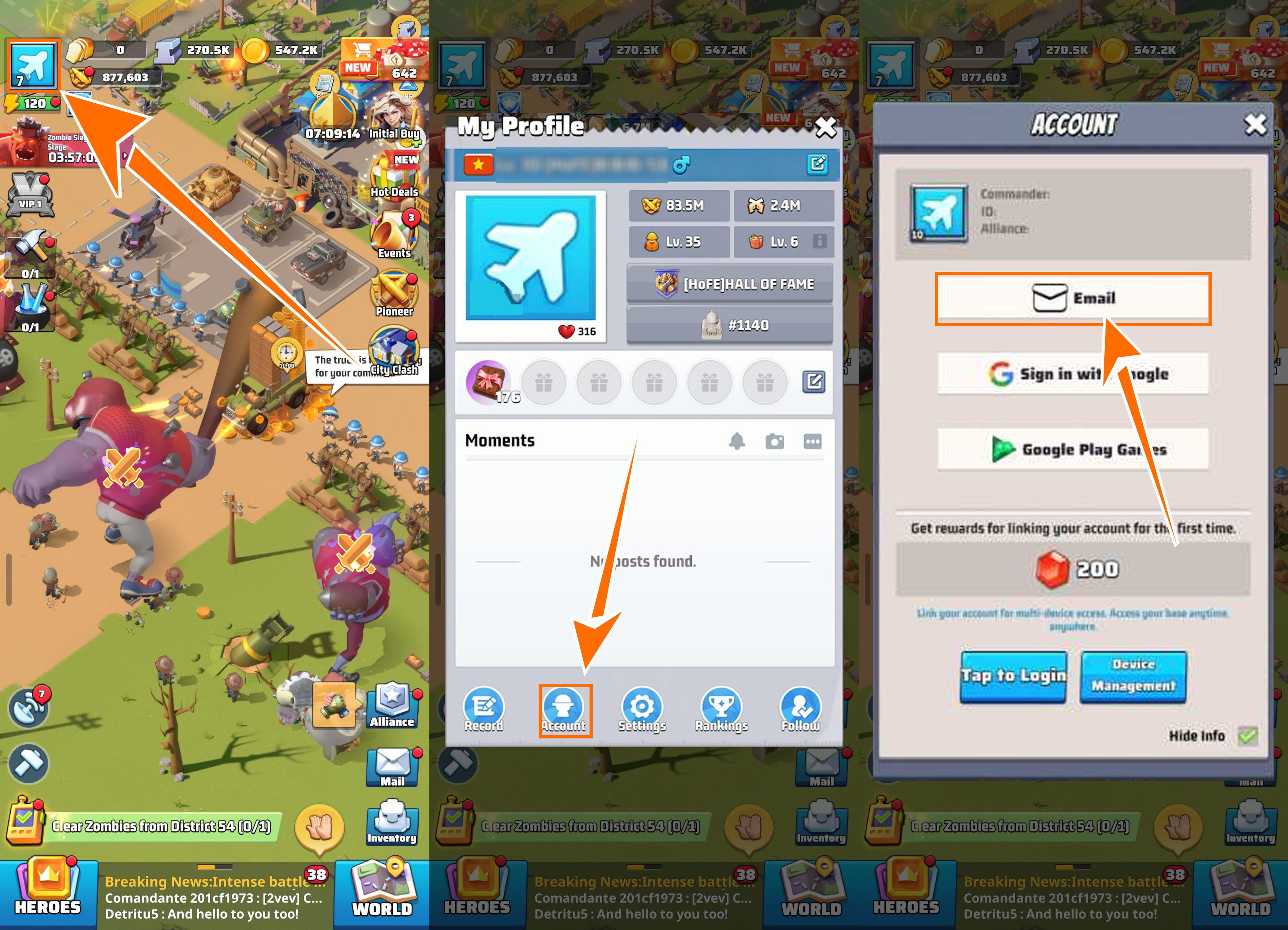
⚡ Method 1: Self-Service Top-Up

  • 01 Select an Item and Place Your Order: Upload a screenshot of the pack you want to top up, select the corresponding denomination, and complete the payment.
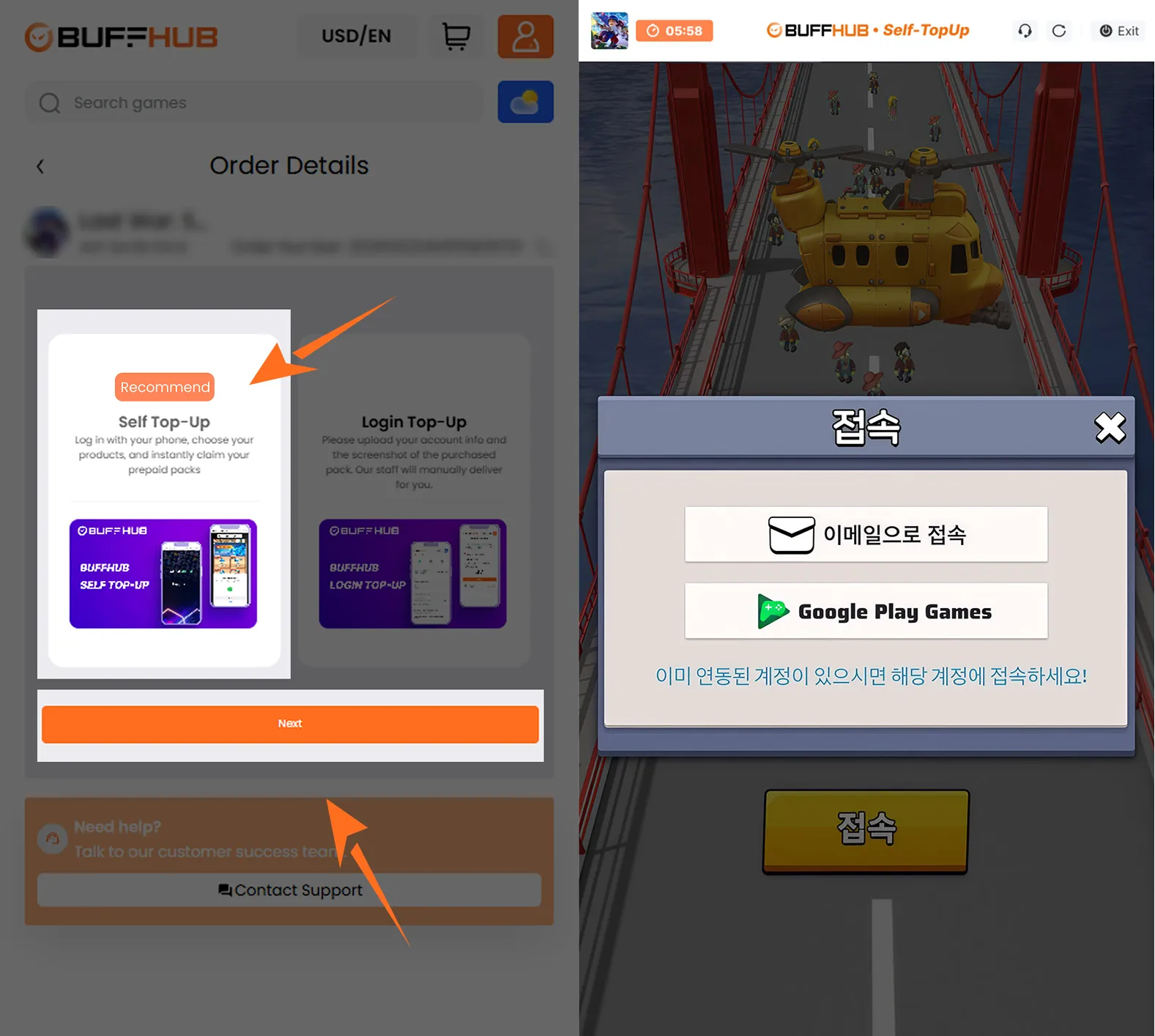
  • 02 Open the Game Through the Link: After payment is completed, open Self-Service Top-Up mode from your Purchase History order details page, then use the dedicated link to enter the game and log in to your account. Do not tap the START button.
    Open the game through the self-service top-up link
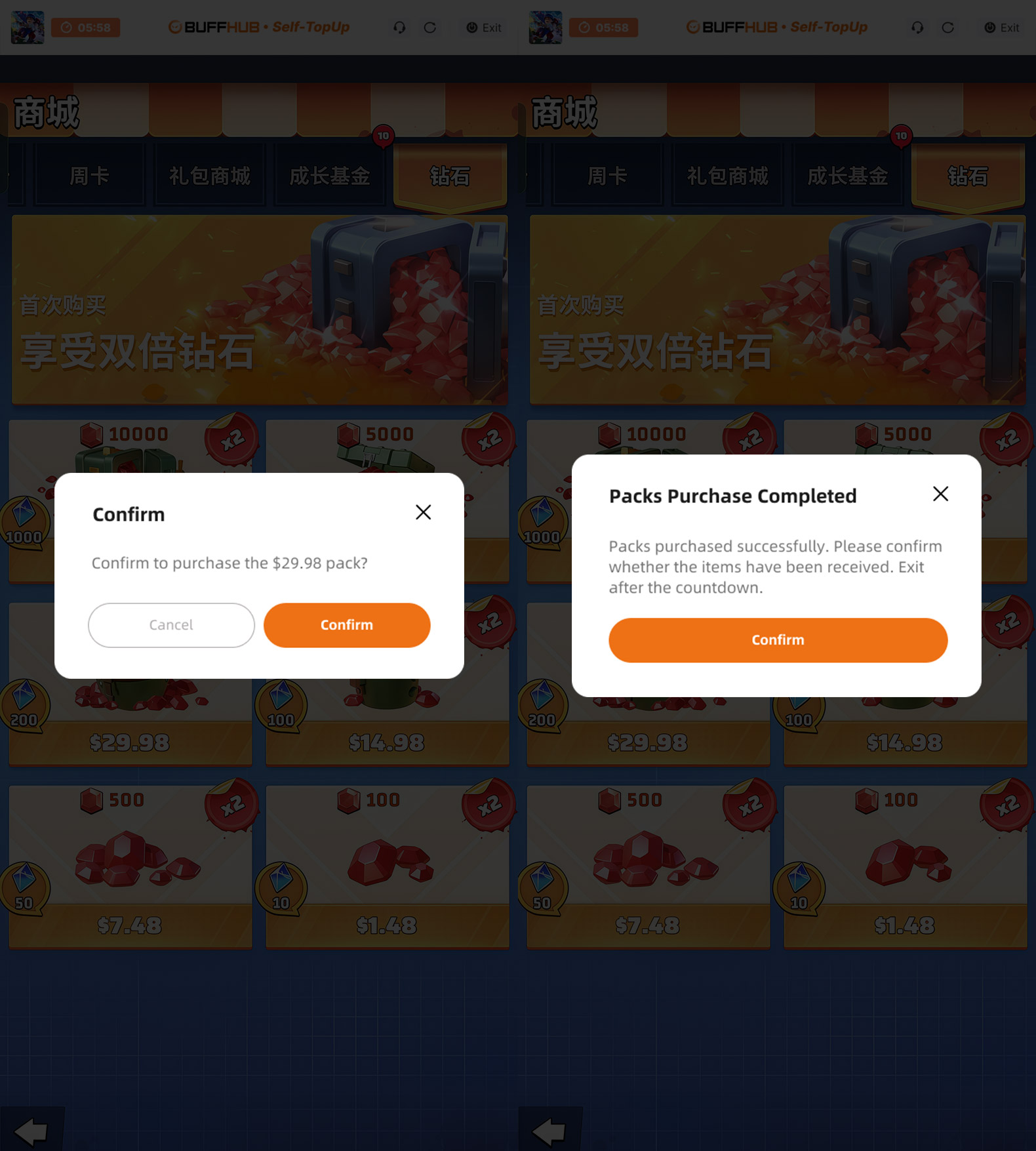
  • 03 Select and Redeem the Pack Manually: Open the in-game Store and manually select an eligible pack with the same value as the denomination you purchased.
  • 04 Automatic Logout and Login Data Removal: After you complete the redemption, the system will automatically log you out and clear the login information used during the Self-Service flow.
    Complete the self-service top-up and log out automatically

Method 2: 👨‍💻 Login Top-Up: Manual Top-Up Service

01

Visit the Website: Go to the BUFFHUB website, select your preferred language and currency, and log in to your BUFFHUB account.

02

Find the Product: From the homepage navigation menu, select Game Top-Up, then choose Last War: Survival Game (Manual Top-Up).

03

Confirm Your Order: Select the bundle, Monthly Pass, or top-up denomination you want to purchase, then tap Top Up Now.

04

Complete Secure Payment: Select one of the payment methods available to you at checkout and complete the transaction.

05

Submit Your Information and Wait: Provide the login information requested on the order page, or contact customer support through the order flow to submit the required details. A manual service specialist can then access the account to complete the selected purchase. Do not log in to the game account while the manual order is being processed.

Waiting page after submitting information for manual top-up

After your information is submitted successfully, the system will redirect you to the Waiting Page. Processing time can vary while the manual service specialist begins handling the order.

06

Top-Up Completed:

· Page Redirect: After the manual order is completed, the page will redirect to the top-up success page.

· Check Your Order: You can also open Purchase History to view the latest order status and check the top-up progress.

· Log In and Confirm: After the order shows as completed, log in to your Last War: Survival Game account and check the purchased content.

⚠️ Important Notes

  1. Operating Guidelines: While your top-up is being processed, whether through Self-Service or Manual Top-Up, avoid logging in to the game from another device because simultaneous login activity may interfere with the order.
  2. Equal-Value Redemption: If the original price of the eligible in-game pack matches the denomination you purchased, you can select a pack within that price tier through the Self-Service Top-Up flow.
  3. Refund and Exchange Policy: Completed virtual-product orders are generally non-cancellable, non-refundable, and non-exchangeable unless the applicable BUFFHUB terms provide otherwise. Check your account information, pack details, and denomination carefully before payment.

Frequently Asked Questions (FAQ)

Q1: What should I do if Self-Service Top-Up fails or is unavailable?

A: Contact BUFFHUB customer support and provide the account information requested for the manual service, along with the relevant verification details, order number, target pack name, and pack screenshot. The support team can then check whether the order should continue through the Manual Top-Up flow.

Q2: How long does a Last War: Survival Game top-up usually take?

A: Processing time depends on the recharge method, payment verification, login steps, and current order volume. Self-Service is generally the quicker route, while manual top-ups are typically completed in around 15–30 minutes under normal conditions, although some orders may take longer. You can check Purchase History for the latest order status.

More down down
Fold Up up up
U692076088
Purchased 4.99 Standard Packs · Sep 21, 2026

👌

U278758955
Purchased 0.99 Standard Packs · Sep 21, 2026

🔥

Helpful(0)
U954955772
Purchased 4.99 Standard Packs · Sep 21, 2026

molto valida

U860735871
Purchased 49.99 Standard Packs · Sep 20, 2026

great

SHEN LONG LEE
Purchased 4.99 Standard Packs · Sep 19, 2026

“Great top-up website with excellent service! Fast, smooth, and very reliable. Highly recommended!”

U497773044
Purchased Super Monthly Pass · Sep 19, 2026

smooth

View All Comments
Sort By :
Latest
U692076088
Purchased 4.99 Standard Packs

👌

Sep 21, 2026
U278758955
Purchased 0.99 Standard Packs

🔥

Sep 21, 2026
Helpful(0)
U954955772
Purchased 4.99 Standard Packs

molto valida

Sep 21, 2026
U860735871
Purchased 49.99 Standard Packs

great

Sep 20, 2026
SHEN LONG LEE
Purchased 4.99 Standard Packs

“Great top-up website with excellent service! Fast, smooth, and very reliable. Highly recommended!”

Sep 19, 2026
U497773044
Purchased Super Monthly Pass

smooth

Sep 19, 2026
View All Comments

Product Introduction

  • Alipay Alipay
  • ApplePay ApplePay
  • bancontact bancontact
  • bancontact-1 bancontact-1
  • billease billease
  • blik blik
  • boleto boleto
  • boost boost
  • bpi bpi
  • dana dana
  • Ewallet Ewallet
  • gcash gcash
  • GooglePay GooglePay
  • Ideal Ideal
  • kakao_pay kakao_pay
  • Klarna Klarna
  • konbini konbini
  • Kplus Kplus
  • line line
  • MBWAY MBWAY
  • multibanco multibanco
  • mybank mybank
  • naverpay naverpay
  • NetBanking NetBanking
  • oxxo oxxo
  • payco payco
  • paynow paynow
  • payu payu
  • pix pix
  • Qiwi Qiwi
  • rabbit rabbit
  • samsung samsung
  • sberpay sberpay
  • SBP SBP
  • SEPA SEPA
  • skrill skrill
  • spei spei
  • swish swish
  • tng tng
  • Tosspay Tosspay
  • truemoney truemoney
  • usdt usdt
  • Visa Visa
  • Visa-mastercard Visa-mastercard
  • Visa-mastercard+jbc Visa-mastercard+jbc
  • yoomoney yoomoney
  • Alipay Alipay
  • ApplePay ApplePay
  • bancontact bancontact
  • bancontact-1 bancontact-1
  • billease billease
  • blik blik
  • boleto boleto
  • boost boost
  • bpi bpi
  • dana dana
  • Ewallet Ewallet
  • gcash gcash
  • GooglePay GooglePay
  • Ideal Ideal
  • kakao_pay kakao_pay
  • Klarna Klarna
  • konbini konbini
  • Kplus Kplus
  • line line
  • MBWAY MBWAY
  • multibanco multibanco
  • mybank mybank
  • naverpay naverpay
  • NetBanking NetBanking
  • oxxo oxxo
  • payco payco
  • paynow paynow
  • payu payu
  • pix pix
  • Qiwi Qiwi
  • rabbit rabbit
  • samsung samsung
  • sberpay sberpay
  • SBP SBP
  • SEPA SEPA
  • skrill skrill
  • spei spei
  • swish swish
  • tng tng
  • Tosspay Tosspay
  • truemoney truemoney
  • usdt usdt
  • Visa Visa
  • Visa-mastercard Visa-mastercard
  • Visa-mastercard+jbc Visa-mastercard+jbc
  • yoomoney yoomoney
Language & Currency
  • Language
    English
    中文(繁体)
    日本語
    Bahasa Indonesia
    Bahasa Melayu
    Français
    Italiano
    Deutsch
    Русский
    Español
    한국어
  • Display Currency
    $ USD
    € EUR
    £ GBP
    C$ CAD
    A$ AUD
    S$ SGD
    Ұ JPY
    ₩ KRW
    SA SAR
    AED AED
    RM MYR
    ₱ PHP
    Rp IDR
    ฿ THB
    NT$ TWD
    HK$ HKD
    ₫ VND
    MX$ MXN
    R$ BRL
    ₽ RUB