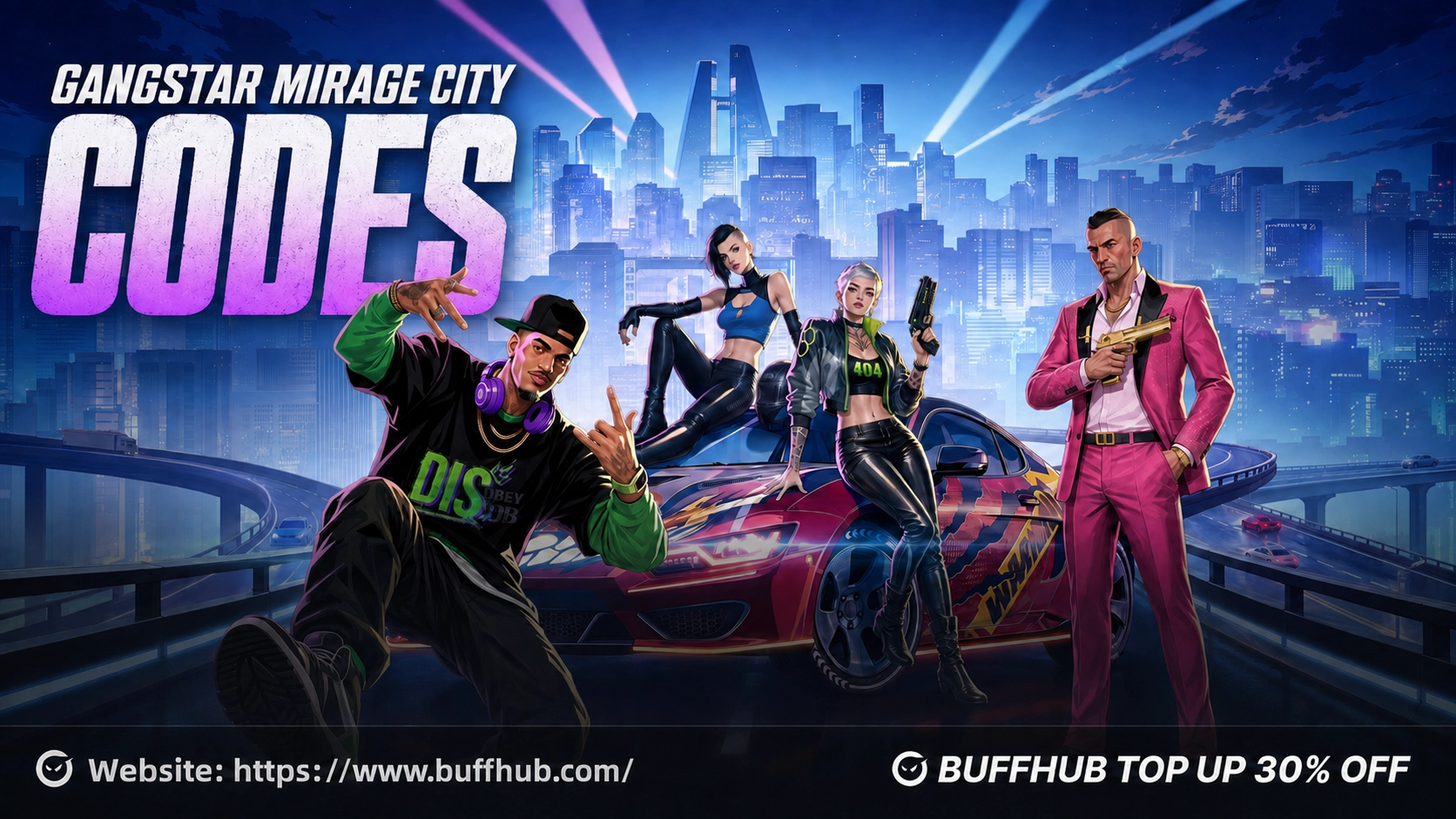


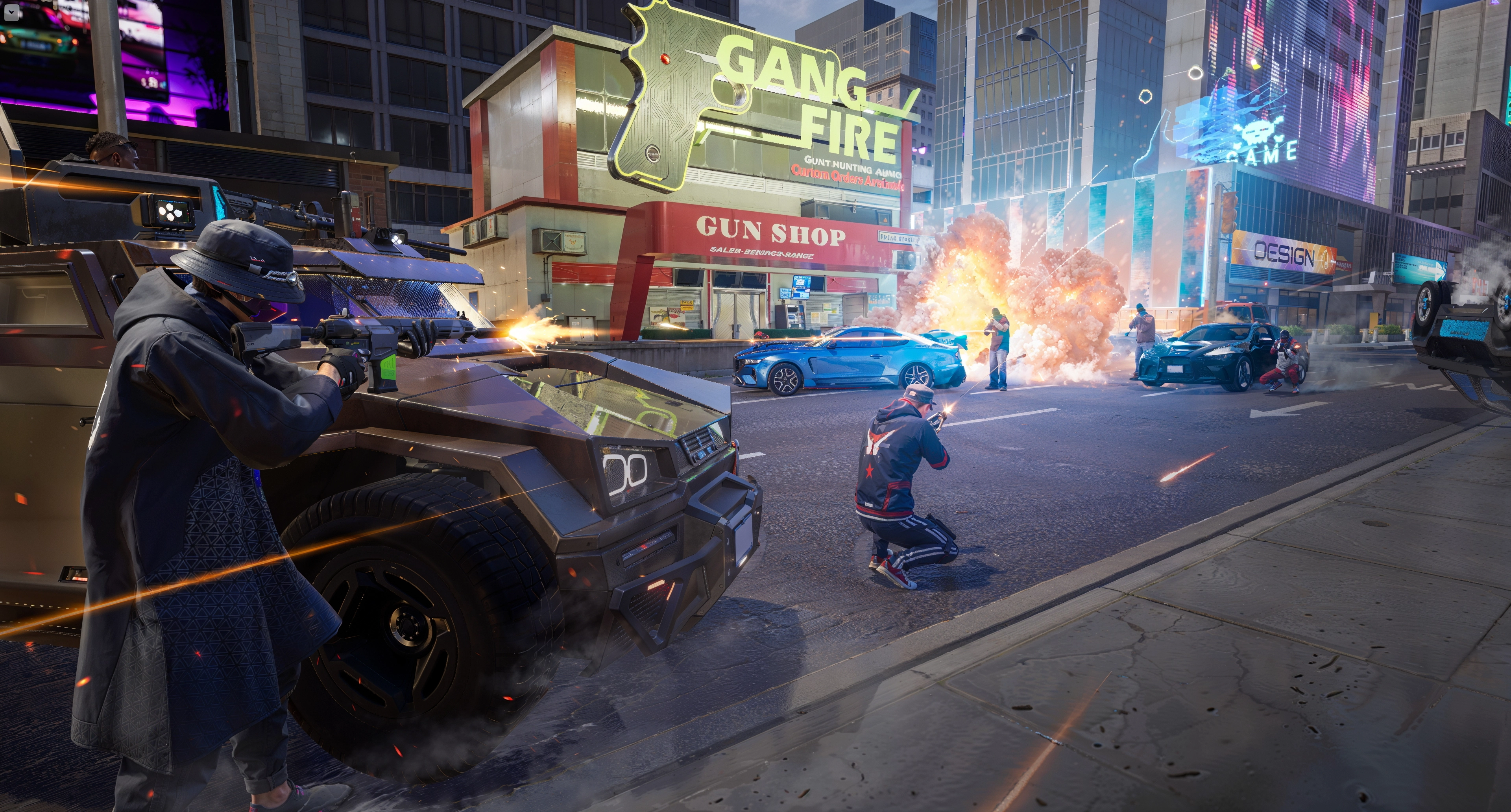
Gangstar Mirage City is a free-to-play multiplayer open-world mobile game set in Rooklyn, a sprawling near-future city shaped by player choices and unpredictable events. Players can explore the city, take on action-focused activities and experience its cinematic crime sandbox without paying for the core game. Optional in-game purchases are available, but they are not required to access the main experience.



Following an Android soft launch in the Philippines, the game is now expanding to five major regions on both Android and iOS. The servers are scheduled to open on August 20, 2026, at 2:00 UTC+0. This is a full regional launch rather than a beta test, so progress made after release will not be cleared.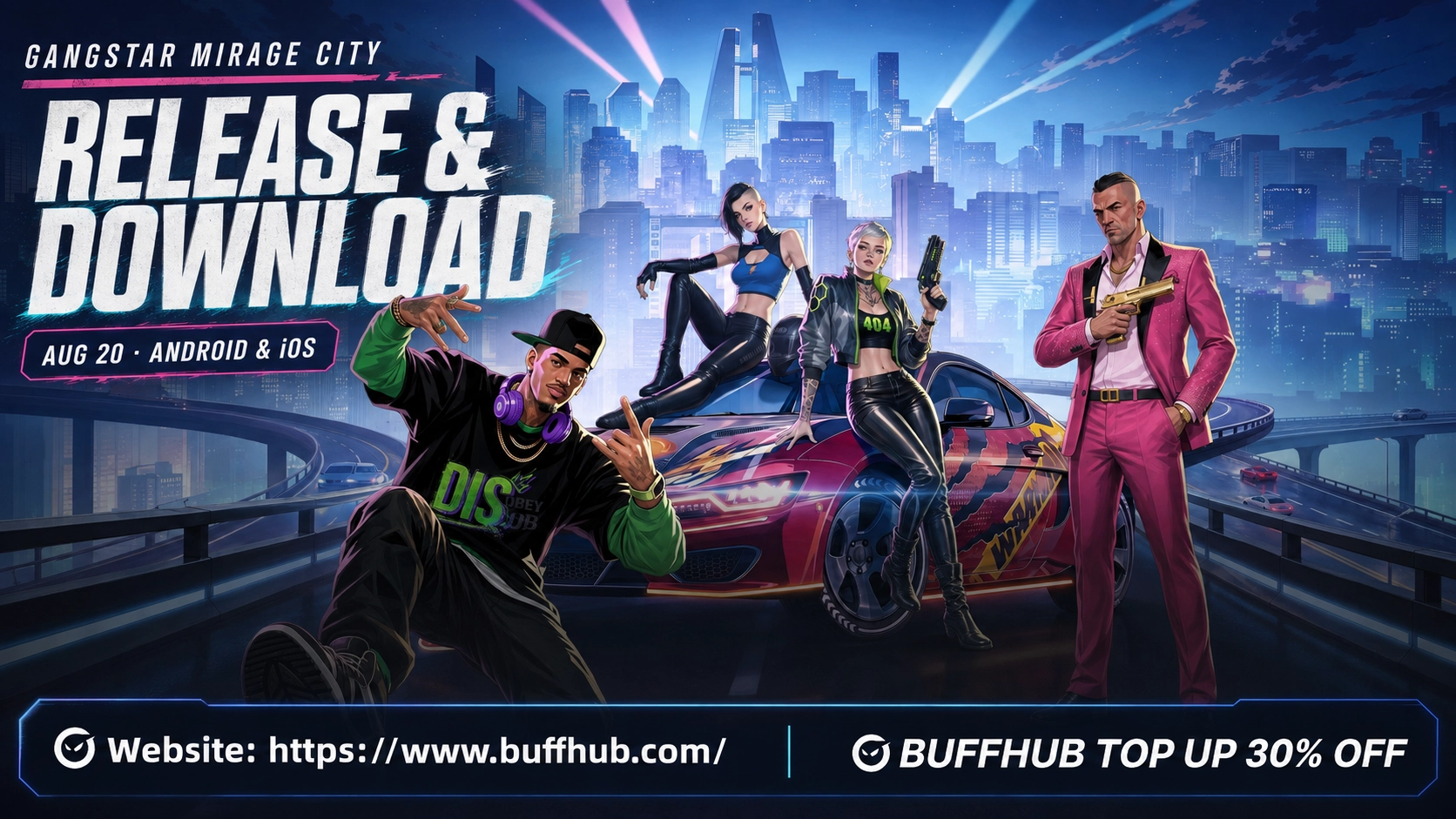




Gangstar Mirage City Release Date and Launch Time
Gangstar Mirage City will launch on August 20, 2026, at 2:00 UTC+0. Store availability and event schedules may differ slightly between regions, so some players may need to wait for their local Google Play Store or App Store page to refresh. No pre-download is required before the servers open.
| Launch Detail | Information |
|---|---|
| Release date | August 20, 2026 |
| Server launch time | 2:00 UTC+0 |
| Release type | Full regional launch |
| Platforms | Android and iOS |
| Price | Free-to-play |
| Pre-download | Not required |
| Progress wipe | No |
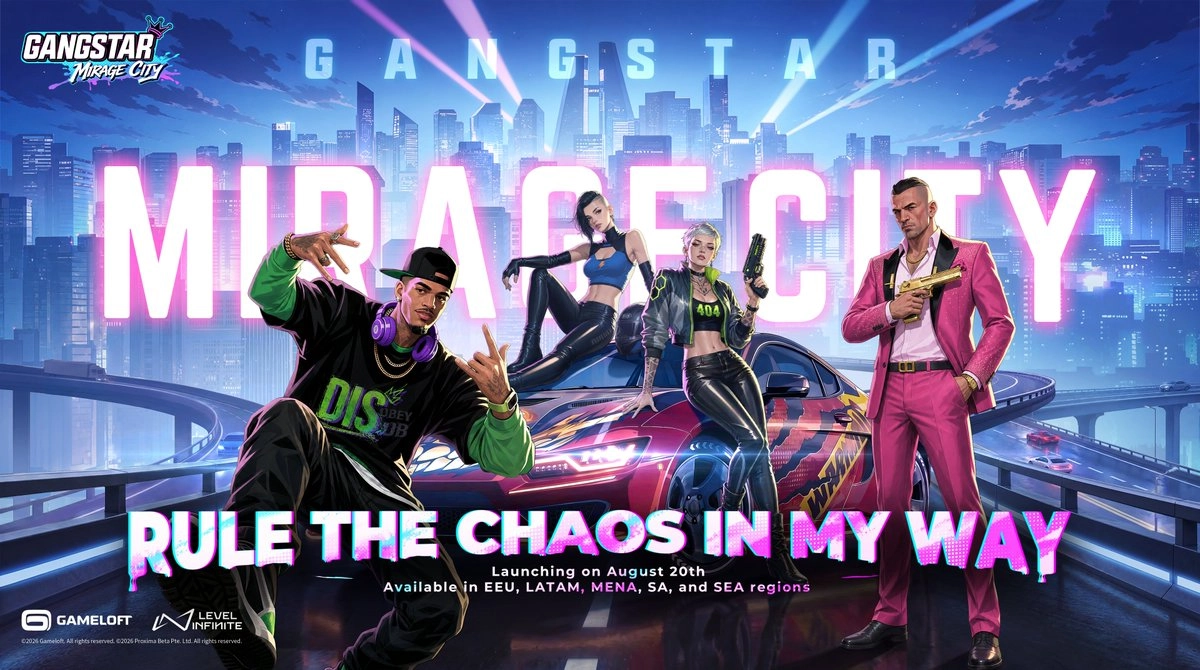
The Philippines received an earlier Android soft launch on April 23, 2026. That initial phase was limited to one country and one mobile platform, while the August release expands access to five regions and adds iOS support. Players joining the August launch are entering the full regional version, not a temporary test with a future data wipe.
Which Regions Are Included in the August Launch?
The August 20 launch covers five regions: Eastern Europe, Latin America, the Middle East and North Africa, South Asia, and Southeast Asia. Level Infinite has not provided one complete country-by-country list, and availability may still differ between local stores. Players should check the official store listing connected to their own Google Play or Apple account.
- EEU: Eastern Europe
- LATAM: Latin America
- MENA: Middle East and North Africa
- SA: South Asia
- SEA: Southeast Asia
If your country or region is not included, the game may not appear in your local store or allow you to play immediately. The publisher plans to expand into more regions, but no complete schedule for the next rollout has been announced. Using a direct official store link can help confirm availability, but it will not bypass a regional restriction applied to your account.
How to Download Gangstar Mirage City
The officially supported launch platforms are Android and iOS. The game appears in mobile stores under the name Gangstar Mirage City: Online, so players should verify the title and publisher before installing it. Avoid unofficial copies with similar names, especially modified APK files from unknown sources.
Download Gangstar Mirage City on Android
Android players can install the game through Google Play after it becomes available in their region. The official listing is published by Level Infinite and uses the package ID com.levelinfinite.gst. Checking these details reduces the risk of downloading an unrelated or modified application.
- Open Google Play on your Android device.
- Search for “Gangstar Mirage City: Online.”
- Confirm that the publisher is Level Infinite.
- Tap Install when the download becomes available.
- Wait for the installation and game resources to finish downloading.
- Open the game and sign in to your account.
You can also open the official Gangstar Mirage City Google Play listing directly. If the Install button does not appear, check your store region, Android version, device specifications and available storage. The listing may also take additional time to update immediately after launch.
Download Gangstar Mirage City on iPhone and iPad
The iOS version will be available through the Apple App Store in supported regions. Players should search for the complete store name and verify that they are viewing the official Level Infinite release. At least 10 GB of free storage is required even if the initial store download appears smaller.
- Open the App Store on your iPhone or iPad.
- Search for “Gangstar Mirage City: Online.”
- Confirm that the listing belongs to Level Infinite.
- Tap Get when the game becomes available.
- Wait for the installation to finish.
- Launch the game and sign in.
The game can also be accessed through its official Gangstar Mirage City App Store listing. If the page opens but the download is unavailable, your Apple account region may not be included in the current launch. Confirm that your device also meets the iOS and hardware requirements before attempting another installation.
Android and iOS Device Requirements
Gangstar Mirage City needs at least 10 GB of available storage on both platforms. Android players require Android 8.0 or later, while the official launch requirements specify iOS 15 or later for Apple devices. Meeting the minimum specifications should allow the game to run, but recommended hardware will provide a more stable experience in its open world and multiplayer activities.
| Platform | Minimum Requirements | Recommended Requirements |
|---|---|---|
| Android | Snapdragon 435 or higher; 3 GB RAM; Android 8.0 or later; 10 GB free storage | Snapdragon 845 or higher; 6 GB RAM; Android 8.0 or later; 10 GB free storage |
| iOS | iPhone 7 Plus or later; iOS 15 or later; 10 GB free storage | iPhone 12 or later; iOS 15 or later; 10 GB free storage |
Android devices using a comparable processor from another manufacturer may still be able to run the game, but the official requirements use Qualcomm Snapdragon models as their reference. Older phones that only meet the minimum level may need lower graphics or performance settings. Freeing storage before installation can also prevent failures when the game begins downloading or unpacking additional resources.
Account Sync Across Android, iOS and PC
Players can synchronize their account data across Android, iOS and PC by logging in with the same account. This allows progress to follow the linked account when switching between compatible devices. The official launch platform list currently names Android and iOS, however, and does not provide separate PC download instructions.
Logging into the same account on several devices at the same time is not recommended. Duplicate sessions may cause account errors, forced disconnections or progress synchronization problems. When switching devices, close the game on the first device before signing in on the second, then follow any on-screen prompts and confirm that the correct progress has loaded.
Do You Need to Pre-Download the Game?
No pre-download is required for the August launch. The servers open on August 20 at 2:00 UTC+0, and players can install the game when it appears through their supported regional store. Store pages may not update at exactly the same moment, so a missing download button shortly after launch does not always indicate a device or account problem.
Why Can’t You Find or Install Gangstar Mirage City?
Most launch-day download problems are connected to regional availability, store settings, hardware compatibility or server traffic. Reinstalling the game repeatedly will not solve a regional restriction and may waste additional time or mobile data. Check each possible cause before changing account or device settings.
The Game Does Not Appear in Your Store
First confirm that your country belongs to one of the five launch regions and that your store account uses the correct country or region. Google Play and the App Store may use the location registered to the account rather than only the player’s current physical location. If both settings are correct, wait for the store to refresh or open the download link from an official announcement.
The Game Will Not Install or Run
An installation failure may be caused by an unsupported device model, an older operating system or insufficient storage. Android users need Android 8.0 or later, at least 3 GB of RAM and hardware equal to or better than a Snapdragon 435. Apple users need an iPhone 7 Plus or later running iOS 15, and both platforms require at least 10 GB of free space.
The Servers Are Full After Launch
Heavy traffic is expected when the servers first open, which may cause queues, login delays or temporary connection errors. If the device and region meet the requirements, wait before reinstalling the game or creating another account. Official community channels will publish updates if server load causes a wider access problem.
Supported Languages and Future Updates
The regional release supports nine text languages. Store metadata may display a different language list, so players should rely on the official launch information when checking localization. More languages are expected to be added in later updates.
- English
- Indonesian
- Thai
- Arabic
- Latin American Spanish
- Brazilian Portuguese
- Turkish
- Russian
- Tagalog
Gangstar Mirage City is designed as a live-service title with ongoing content and gameplay updates. A fixed update schedule has not been announced, but future information will be shared through the game’s official channels. Players can follow the official Gangstar Mirage City website for launch access and later regional announcements.
Gangstar Mirage City Release FAQ
Is August 20 a beta test or a full launch?
It is the full launch for EEU, LATAM, MENA, South Asia and Southeast Asia. The release is not a temporary beta test, and player progress will not be cleared.
Is Gangstar Mirage City free to play?
Yes. Players can download and access the core game for free, while optional in-game purchases are available for those who want them.
How much storage does Gangstar Mirage City need?
Android and iOS players need at least 10 GB of available storage. Keeping additional space free may help the installation and resource download complete without interruption.
Can Android and iOS use the same account?
Yes. Account data can synchronize when players sign in with the same linked account, but the same account should not be used on multiple devices simultaneously.
Will Gangstar Mirage City launch in more countries?
Yes. More countries and regions are planned, but their release dates have not been announced. Players outside the current five-region launch should follow the official channels for later availability updates.