



Related searches
0 results
Not found
No content related to ""
theme-light theme-light-text
theme-dark-text theme-light
PlayStation Network Card (HK)

PlayStation Network Card (HK)

PlayStation Network Card (HK) 20 HKD
$ 2.67
PlayStation Network Card (HK) 50 HKD
$ 6.6
PlayStation Network Card (HK) 80 HKD
$ 10.63
PlayStation Network Card (HK) 150 HKD
$ 19.93
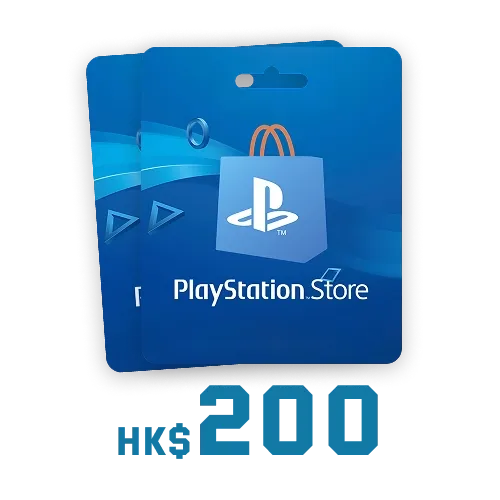
PlayStation Network Card (HK) 200 HKD
$ 26.72
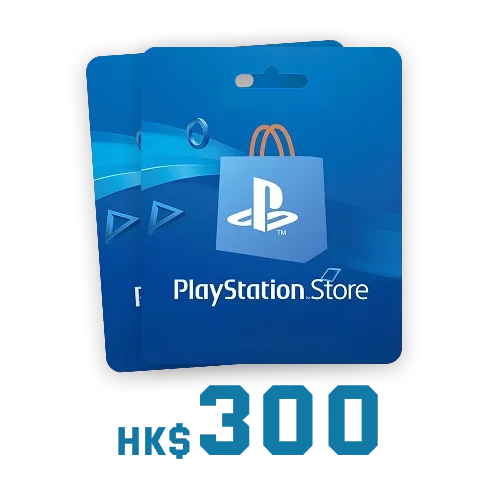
PlayStation Network Card (HK) 300 HKD
$ 39.86
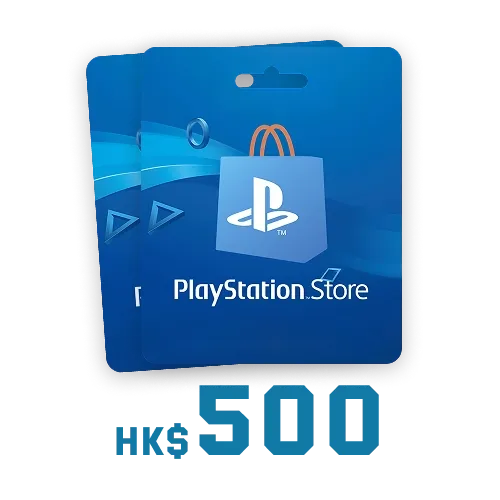
PlayStation Network Card (HK) 500 HKD
$ 65.88
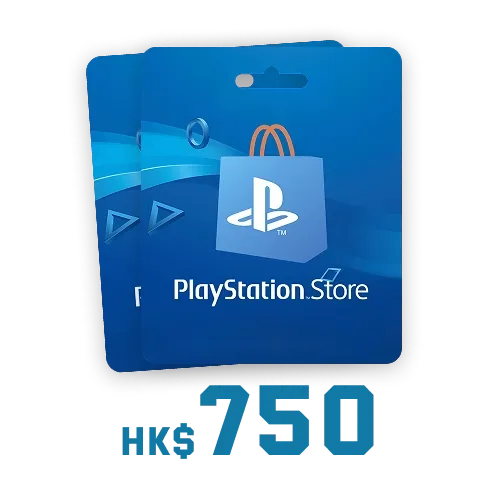
PlayStation Network Card (HK) 750 HKD
$ 99.66

Quantity

Price
$0.00
HOW TO BUY?
Total
- +

0

Overall Rating
0.0
0 reviews
Overall Rating
0.0
Based on 0 reviews
  • 5 Star
    0%
  • 4 Star
    0%
  • 3 Star
    0%
  • 2 Star
    0%
  • 1 Star
    0%
Product Introduction
Recharge guide
User Reviews(0)
BUFFHUB GLOBAL PICKS

Buy PlayStation Network Card HK
Fast Digital Code Delivery

Add funds to your PlayStation Store wallet with a prepaid digital code. Choose your preferred denomination, complete the payment, and receive the redemption code by email without waiting for physical card delivery.

A PlayStation Network Card is a digital wallet top-up code that can be redeemed on a PlayStation account from the corresponding region. Once redeemed, the card value is added to your PlayStation wallet balance and can be used to purchase eligible games, add-ons, subscriptions, in-game content, and other digital products from the PlayStation Store.

What Is a PlayStation Network Card?

PlayStation Wallet Top-Up Code

A PlayStation Network Card, also known as a PSN Card, is a prepaid digital code used to add funds to a PlayStation Store wallet. Once the 12-digit code is successfully redeemed, the corresponding value becomes available in the account wallet for eligible digital purchases.

This product adds wallet funds and is not a standalone PlayStation Plus membership card. However, the wallet balance can be used to purchase an available PlayStation Plus subscription plan.

What Can You Buy with PlayStation Wallet Funds?

After redeeming your PlayStation Network Card, you can use the wallet balance to purchase a range of eligible digital products from the PlayStation Store.

  • Full Games and Pre-orders Purchase full PS5 and PS4 games, including major releases, independent titles, and eligible upcoming games available for pre-order.
  • Add-ons and DLC Purchase additional chapters, character content, cosmetic items, weapon packs, expansions, and season passes.
  • In-Game Currency Use wallet funds to purchase eligible premium currency packs in supported games, including Genesis Crystals, FC Points, and COD Points.
  • PlayStation Plus Pay for available PlayStation Plus plans, including Essential, Extra, or Deluxe, depending on the options offered in your account region.
  • Digital Media Content Use your PlayStation wallet balance to purchase eligible digital movies, television content, and other supported media products.
  • PlayStation Store Promotions Use your wallet balance to purchase eligible discounted products during PlayStation Store promotional periods.

Why Top Up on buffhub.com?

We are a professional game top-up platform serving millions of players across more than 200 popular games — including VALORANT Gift Cards, Genshin Impact: Miliastra Wonderland, FC 26 Coins, FC 27, and many more. Here is why you should choose BuffHub:

  • Dedicated Codes Our PlayStation Network Card codes are designed to add funds directly to the wallet of a PlayStation account from the corresponding region. The redemption process is simple and intuitive, without complicated top-up steps.
  • Deep Discounts We offer competitive prices across different PlayStation Network Card denominations. Whether you need a small top-up or want to add a larger balance, you can spend less while adding more funds to your PlayStation wallet.
  • Certified Security Payments use bank-level encryption and PCI DSS-compliant payment channels to help ensure secure product sourcing and protected transactions for every PlayStation Network Card order.
  • Instant Digital Delivery After the order is confirmed, the system usually sends the code automatically within 3 minutes. Your 12-digit PlayStation Store redemption code will be delivered directly to the email address provided during checkout.
  • 24/7 Support Our professional customer support team is available around the clock to assist with any issue you may experience while purchasing, receiving, or redeeming your PlayStation Network Card.
More down down
Fold Up up up

PlayStation Network Card HK Information and Important Notes

Item Details
Product Type Digital PlayStation Network Card / E-code
Applicable Region Hong Kong-region PlayStation account
Code Format 12-digit PlayStation Store redemption code
Supported Redemption Methods PlayStation Store website, PS5, and PS4
Delivery Method Automatically delivered to the email address provided during checkout
Estimated Delivery Time Usually within 3 minutes after payment confirmation
Physical Delivery No physical card will be shipped or mailed

Important:

  1. The PlayStation Network Card region must match the region registered to your PlayStation account. An HK card can only be redeemed on a Hong Kong-region PlayStation account.
  2. Choose the card according to the country or region selected when your PlayStation account was created, not according to your current location.
  3. If the Network Card region does not match your account region, the code may not be redeemable. Check the region carefully before completing your order.

  4. Digital Network Card codes generally cannot be returned or refunded after purchase, delivery, or redemption.
  5. Most orders are delivered shortly after payment confirmation, but payment reviews or security verification may occasionally cause delays.

PlayStation Network Card HK Purchase and Redemption Guide

Step 1: Buy a PlayStation Network Card HK on BuffHub

  1. 1
    Visit BuffHub: Open BuffHub, select your preferred language and currency, and sign in to your account.
  2. 2
    Select the Product: Find and select PlayStation Network Card HK.
  3. 3
    Choose a Denomination: Select the PlayStation Network Card denomination you need, and then click “Buy Now.”
  4. 4
    Complete Payment: Choose an available payment method and complete the checkout process.
  5. 5
    Receive Your Code: After the order is completed, check the inbox of the email address provided during checkout to receive your 12-digit PlayStation Store redemption code.

Step 2: Redeem the Code Online

  1. 1
    Open PlayStation Store: Sign in to PlayStation Store using a Hong Kong-region PlayStation account that matches the Network Card region.
  2. 2
    Open the Account Menu: Select your profile at the top of the screen to display the account menu.
  3. 3
    Select Redeem Code: Choose “Redeem Code” from the drop-down menu.
  4. 4
    Enter the Code: Carefully enter the 12-digit PlayStation Store code, and then select “Continue.”
  5. 5
    Confirm Redemption: Once accepted, the wallet funds or eligible content will be added to your PlayStation account.

Step 3: Redeem the Code on PS5 or PS4

  1. 1
    Open PlayStation Store: Access PlayStation Store from your PS5 or PS4 console.

  2. 2
    Select Your Profile: Choose your profile at the top of the screen.
  3. 3
    Select Redeem Codes: Choose “Redeem Codes” from the displayed menu.
  4. 4
    Complete Redemption: Enter the 12-digit code and select “Continue.” The wallet funds or eligible content will then be added to your account.

Frequently Asked Questions

Q1: Can PlayStation Network Card funds be used to purchase PlayStation Plus?

Yes. PlayStation wallet funds can be used to purchase eligible PlayStation Plus plans, including Essential, Extra, or Deluxe, depending on the plans available in your account region.

Q2: Can I give the PlayStation Network Card code to someone else?

Yes. A PlayStation Network Card can be given to another PlayStation user. Make sure the card region matches the recipient’s PlayStation account region before sending the redemption code.

Q3: How long does it usually take to receive the digital code?

The code is usually delivered within approximately 3 minutes after payment confirmation. Delivery may take longer if the payment requires an additional review or security verification.

Q4: What should I do if I do not receive the code?

Check the inbox, spam folder, and promotions folder of the email address provided during checkout, and confirm that the payment has been completed. If the code is still unavailable, contact BuffHub customer support for assistance.

Q5: Can a PlayStation Network Card HK be redeemed on an account from another region?

No. A PlayStation Network Card HK must be redeemed using a Hong Kong-region PlayStation account. The account region is determined by the country or region selected when the PlayStation account was created.

Q6: Is this product a PlayStation Plus membership card?

No. This product is a PlayStation Store wallet top-up card. The card value is added to your PlayStation wallet and can then be used to purchase an eligible PlayStation Plus plan or other supported digital content.

More down down
Fold Up up up

No reviews yet.

Sort By :
Latest

No reviews yet.

Product Introduction

  • Alipay Alipay
  • ApplePay ApplePay
  • bancontact bancontact
  • bancontact-1 bancontact-1
  • billease billease
  • blik blik
  • boleto boleto
  • boost boost
  • bpi bpi
  • dana dana
  • Ewallet Ewallet
  • gcash gcash
  • GooglePay GooglePay
  • Ideal Ideal
  • kakao_pay kakao_pay
  • Klarna Klarna
  • konbini konbini
  • Kplus Kplus
  • line line
  • MBWAY MBWAY
  • multibanco multibanco
  • mybank mybank
  • naverpay naverpay
  • NetBanking NetBanking
  • oxxo oxxo
  • payco payco
  • paynow paynow
  • payu payu
  • pix pix
  • Qiwi Qiwi
  • rabbit rabbit
  • samsung samsung
  • sberpay sberpay
  • SBP SBP
  • SEPA SEPA
  • skrill skrill
  • spei spei
  • swish swish
  • tng tng
  • Tosspay Tosspay
  • truemoney truemoney
  • usdt usdt
  • Visa Visa
  • Visa-mastercard Visa-mastercard
  • Visa-mastercard+jbc Visa-mastercard+jbc
  • yoomoney yoomoney
  • Alipay Alipay
  • ApplePay ApplePay
  • bancontact bancontact
  • bancontact-1 bancontact-1
  • billease billease
  • blik blik
  • boleto boleto
  • boost boost
  • bpi bpi
  • dana dana
  • Ewallet Ewallet
  • gcash gcash
  • GooglePay GooglePay
  • Ideal Ideal
  • kakao_pay kakao_pay
  • Klarna Klarna
  • konbini konbini
  • Kplus Kplus
  • line line
  • MBWAY MBWAY
  • multibanco multibanco
  • mybank mybank
  • naverpay naverpay
  • NetBanking NetBanking
  • oxxo oxxo
  • payco payco
  • paynow paynow
  • payu payu
  • pix pix
  • Qiwi Qiwi
  • rabbit rabbit
  • samsung samsung
  • sberpay sberpay
  • SBP SBP
  • SEPA SEPA
  • skrill skrill
  • spei spei
  • swish swish
  • tng tng
  • Tosspay Tosspay
  • truemoney truemoney
  • usdt usdt
  • Visa Visa
  • Visa-mastercard Visa-mastercard
  • Visa-mastercard+jbc Visa-mastercard+jbc
  • yoomoney yoomoney
Language & Currency
  • Language
    English
    中文(繁体)
    日本語
    Bahasa Indonesia
    Bahasa Melayu
    Français
    Italiano
    Deutsch
    Русский
    Español
    한국어
  • Display Currency
    $ USD
    € EUR
    £ GBP
    C$ CAD
    A$ AUD
    S$ SGD
    Ұ JPY
    ₩ KRW
    SA SAR
    AED AED
    RM MYR
    ₱ PHP
    Rp IDR
    ฿ THB
    NT$ TWD
    HK$ HKD
    ₫ VND
    MX$ MXN
    R$ BRL
    ₽ RUB